1
Si34-704
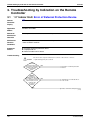
Troubleshooting by Indication on the Remote Controller
Troubleshooting
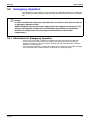
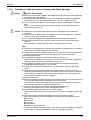
Caution
Be sure to turn off power switch before connect or disconnect connector,
or parts damage may be occurred.
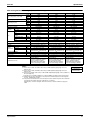
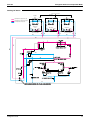
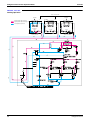
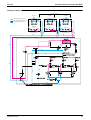
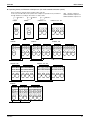
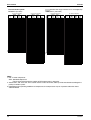
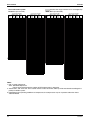
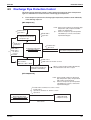
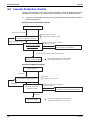
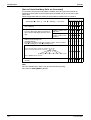
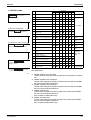
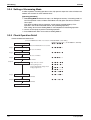
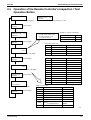
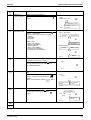
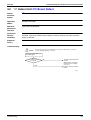
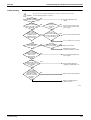
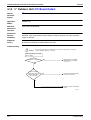
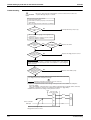
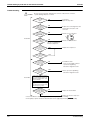
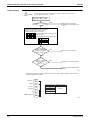
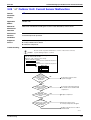
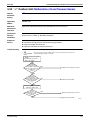
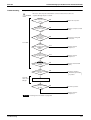
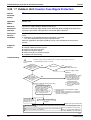
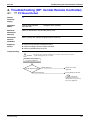
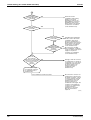
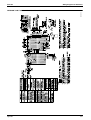
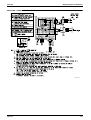
Check in the monitor mode
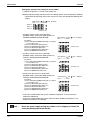
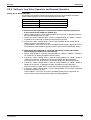
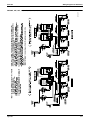
12HP ~18HP class models have 2 fans.
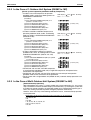
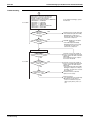
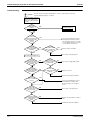
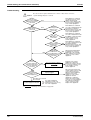
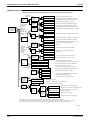
Check electric motor (electric motor 1 or 2) corresponding
to malfunction code “E7” in the monitor mode of outdoor
unit PCB. (Refer to P. 194 ~ 195 for how to check)
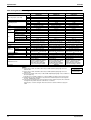
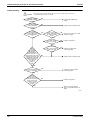
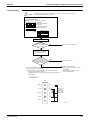
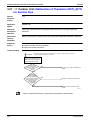
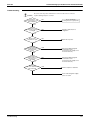
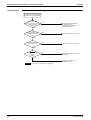
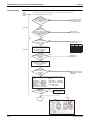
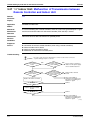
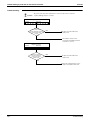
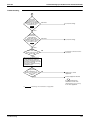
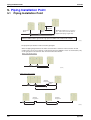
Cut the power supply OFF and wait for 10 minutes.
Check if
any foreign substances
around the fan.
YES
Remove the foreign substances.
NO
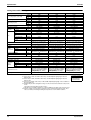
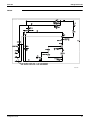
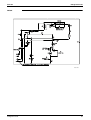
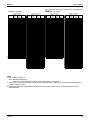
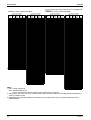
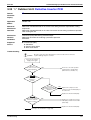
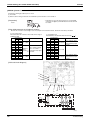
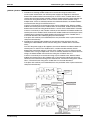
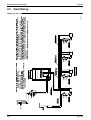
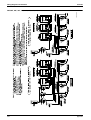
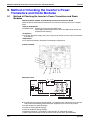
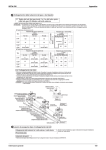
Check the connection status of the connectors
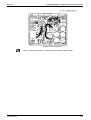
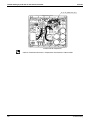
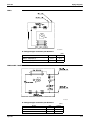
Fan motor 1: relay connector or X1A, X2A of fan inverter
PCB. (A4P)
Fan motor 2: relay connector or X1A, X2A of fan inverter
PCB. (A8P)
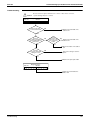
Check
if any connector is
disconnected.
YES
Insert the connector.
NO
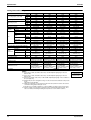
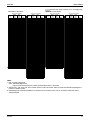
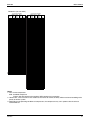
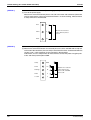
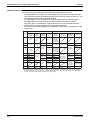
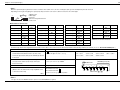
Check the color of relay connectors
Fan motor 1: Both power supply wire and signal wire are
all white.
Fan motor 2: Both power supply wire and signal wire are
red in the PCB side and white in the motor side.
Relay
connectors have
any connection
error.
NO
YES
Correct the connection of the relay
connectors.
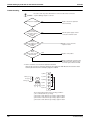
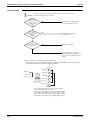
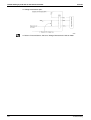
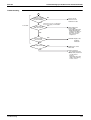
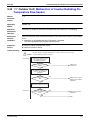
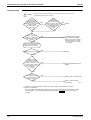
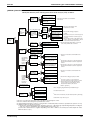
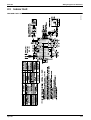
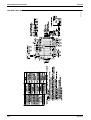
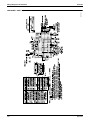
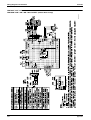
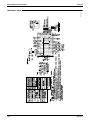
Go on to the next page.
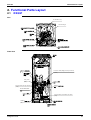
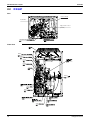
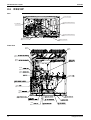
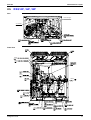
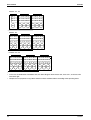
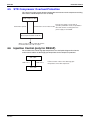
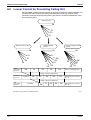
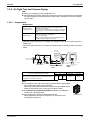
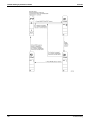
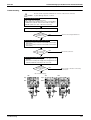
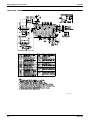
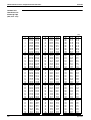
A3P
Troubleshooting
A8P
~
12HP
~
5HP
A4P
8HP
18HP
225