1
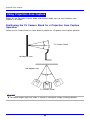
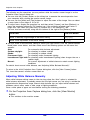
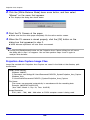
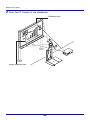
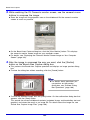
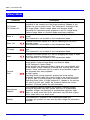
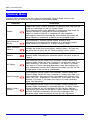
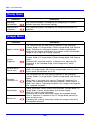
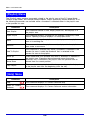
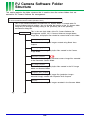
PJ Camera Software Folder Structure
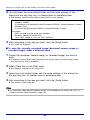
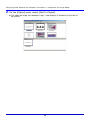
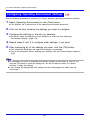
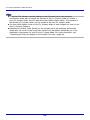
z Using the [File Storage Location] setting on the [Common] tab of the operating
environment dialog box to change the location of the [PJ_System] folder will create a
new [PJ_System] folder and the required system folders shown above. The contents of
the existing [PJ_System] folder are not moved to the new [PJ_System] folder.
z You can create folders inside of the [PJ_System] folder to store images you want to use
with PJ Camera Software.
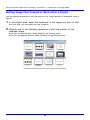
z Selecting [All Others] under [Folder] on the [Image] tab of the operating environment
dialog box, will cause all the image files stored in all the folders created by you to be
displayed in the preview list area of the PC Image Mode. For more information, see
“Controlling the Files that Appear in the Preview List Area” (page 59).
143