1
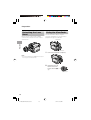
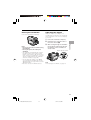
Useful
Features
Useful Features
Playback
Playback
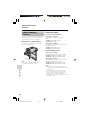
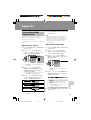
Using the Remote
Control
(Not Supplied)
Operating
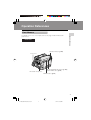
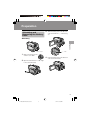
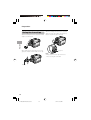
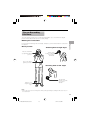
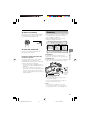
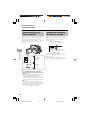
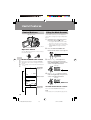
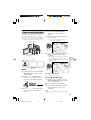
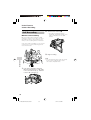
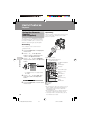
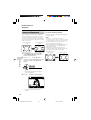
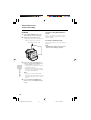
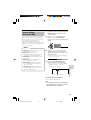
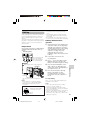
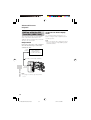
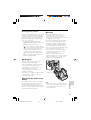
Aim the remote control at the remote sensor
of the camcorder, and press the control
buttons to operate.
The remote control (RRMCGA237WJSA) is
not supplied with this camcorder. Contact
the nearest SHARP service centre or your
dealer for purchasing as specified part.
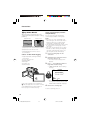
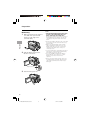
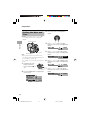
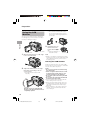
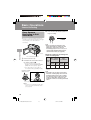
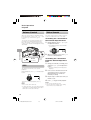
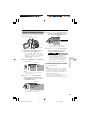
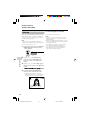
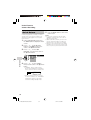
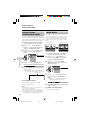
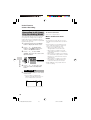
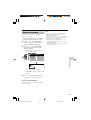
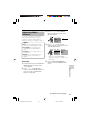
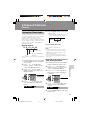
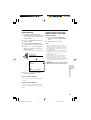
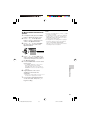
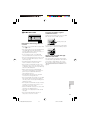
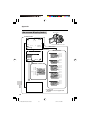
Press the MENU button to display the
menu screen.
2
Press l or m on the Operation
button to select Z, then press the
centre of the Operation button.
3
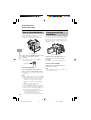
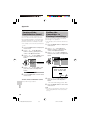
Press l or m to select “REMOTE”,
then press the centre of the Operation
button.
Useful Features
1
5
• The example screens shown are for
Playback mode.
m
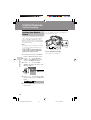
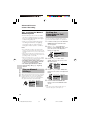
Activating
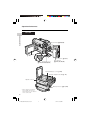
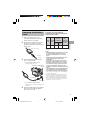
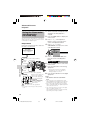
Remote sensor
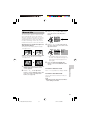
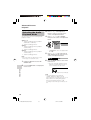
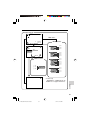
ZOOM (W/T) buttons
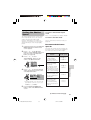
OTHE RS 1
DE F AUL T
ON
R EMO T E
BEEP
OF F
*S - V I D E O I N
R E T U RN
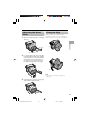
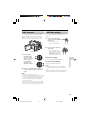
TAPE REC START/STOP button
* CARD REC button
* CARD PLAY/MULTI
button
SLOW button
FF button
PLAY/STILL button
* “S-VIDEO IN” does not appear with
VL-Z100.
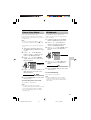
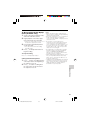
4
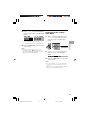
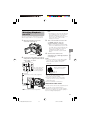
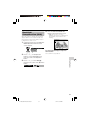
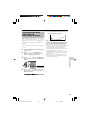
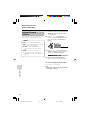
Press l or m to select “ON”, then
press the centre of the Operation
button.
REMOT E
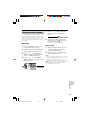
5
ON
Press the MENU button to turn off the
menu screen.
42
VL-Z300H/VL-Z100H-042-046
42
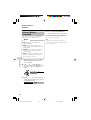
Advance/reverse
buttons
* Shift buttons
VOLUME +/L
buttons
T/C (Time Code)
button
DATE button
STOP button
REW button
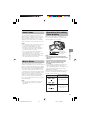
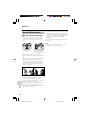
Notes:
• Be careful not to expose the remote sensor to
direct sunlight or strong interior lighting, as
this may prevent the remote control from
operating properly.
• Be sure that there are no obstacles between
the remote control and the remote sensor.
• The buttons with an asterisk mark (*) do not
work with this camcorder.
04.2.12, 1:36 PM