1
Special Features
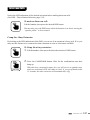
Call Forwarding
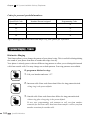
You can forward your calls so that they will ring at another extension.
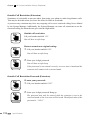
To set from your extension:
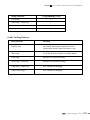
1. Lift your handset and enter “42”.
42
2. Enter the 3-digit extension number to which you are forwarding your calls.
You will hear a triple-beep.
The phone will emit a short ring as a reminder for you that the “call
forwarding” mode is still enabled if someone tries to intercom your
extension.
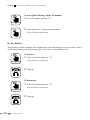
To cancel call forwarding:
At your extension, lift your handset and enter “44”.
44
You will hear a triple-beep.
Call Follow Me
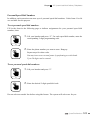
To forward your calls from another extension:
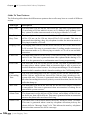
1. Lift the handset and dial “43”.
43
2. Dial your 3-digit extension number.
You will hear a triple-beep.
116
Special Features