1
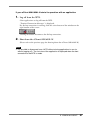
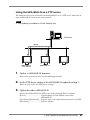
If your eClient 630L/630L-N starts its operation with an application
1.
Log off from the WTS.
Close applications to log off from the WTS.
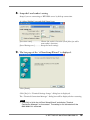
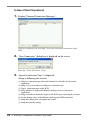
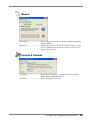
“Terminal Connection Manager” is displayed.
If a dial-up connection is running, click the active button of the window on the
right bottom of the screen.
Clicking the button disconnects the dial-up connection.
2.
Shut down the eClient 630L/630L-N.
(Please refer to the previous page for shutting down the eClient 630L/630L-N.)
NOTE
• It is possible to disconnect from a WTS without closing applications in use (or
without logging off). The last view of the application is displayed when the next
connection to the WTS is made.
5. LOGON & LOGOFF
27