1
System Options
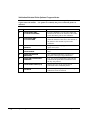
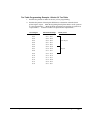
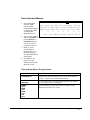
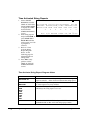
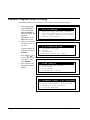
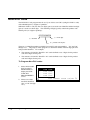
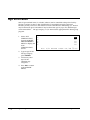
Options are sorted by category to assist the programmer in finding a specific option.
each category, options are also referenced by number for easy retrieval.
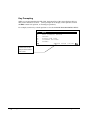
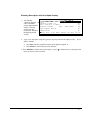
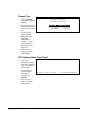
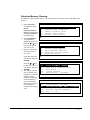
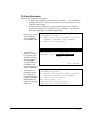
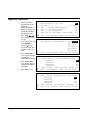
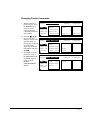
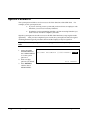
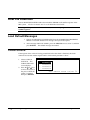
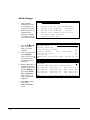
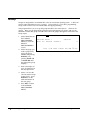
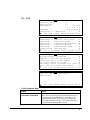
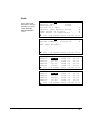
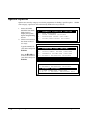
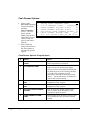
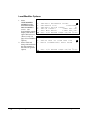
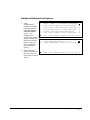
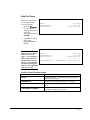
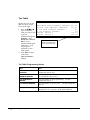
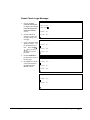
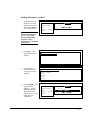
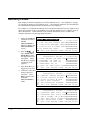
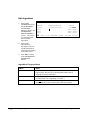
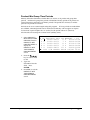
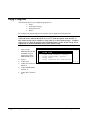
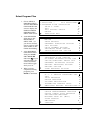
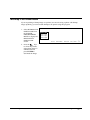
1. Select SYSTEM
OPTION from the PMode menu to
display the System
Option Programming
Screen.
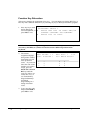
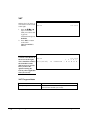
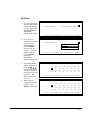
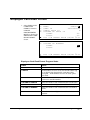
2. Choose an item from
the menu in one of
two ways:
Type the number for
your choice and press
ENTER.
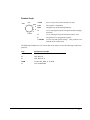
Press the n or p keys
to move the cursor to
your choice and press
ENTER.
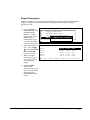
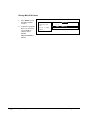
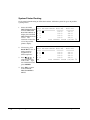
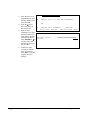
Within
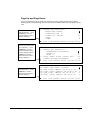
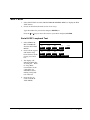
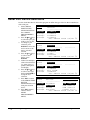
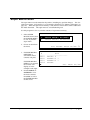
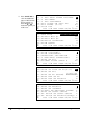
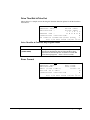
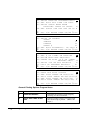
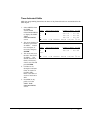
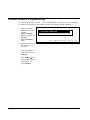
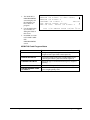
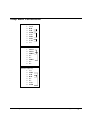
SYSTEM OPTION PROGRAMMING
1.
2.
3.
4.
5.
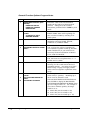
GENERAL FUNCTION OPTIONS
TAX OPTIONS
CASH DRAWER OPTIONS
TRAINING MODE OPTIONS
LEVEL/MODIFIER OPTIONS
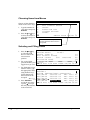
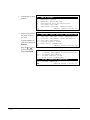
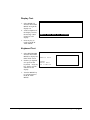
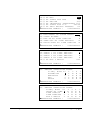
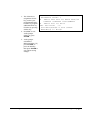
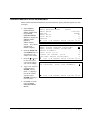
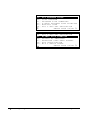
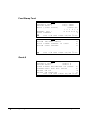
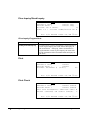
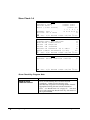
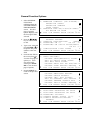
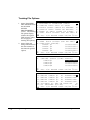
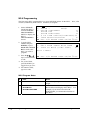
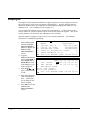
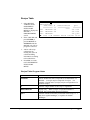
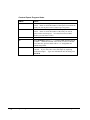
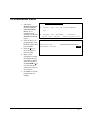
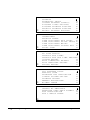
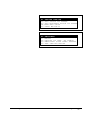
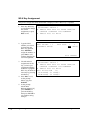
SYSTEM OPTION PROGRAMMING
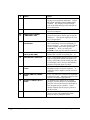
6. TRACKING FILE OPTIONS
7. KP/KV OPTIONS
8. VALID/SBTL PRINT OPTIONS
9. GENERAL PRINTING OPTIONS
10.REPORT PRINTING OPTIONS
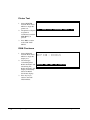
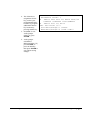
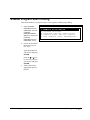
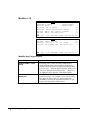
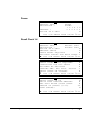
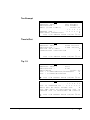
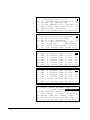
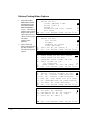
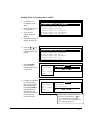
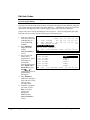
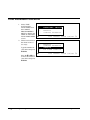
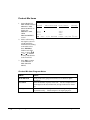
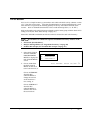
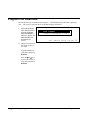
SYSTEM OPTION PROGRAMMING
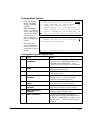
9. GENERAL PRINTING OPTIONS
10.REPORT PRINTING OPTIONS
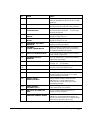
11.REPORT OPTIONS
12.TIME KEEPING OPTIONS
13.E.J. & DETAIL PRINTING OPT
100 x P-Mode Programming
SER-7000 Program Manual