1
Bijou
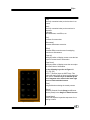
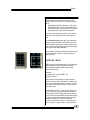
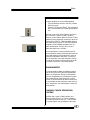
[Macro #]
Activates Macros. Use with a number between 1
and 2,500 and [Enter] to activate a macro.
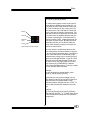
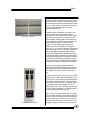
[Thru]
Bridge key between channel selections and level
setting.
Example:
[2] [5] [THRU] [3] [2]
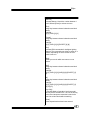
[Except]
Bridge key between channel selections and level
setting.
Example:
[2] [5] [THRU] [3] [2] [EXCEPT] [2] [8]
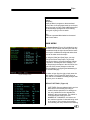
[Run]
Activates RUN commands for intelligent lighting
features. The command runs either an action or a
position, depending on which screen the command is active in.
[Step]
Allows you to work within two menus on one
screen.
[And]
Bridge key between channel selections and level
setting.
Example:
[2] [5] [THRU] [3] [2] [AND] [9] [8] [EXCEPT] [2]
[8]
[At]
Bridge key between channel selections and level
setting.
Example:
[2] [5] [THRU] [3] [2] [AND] [9] [8] [EXCEPT] [2]
[8] [AT] [FL]
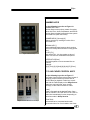
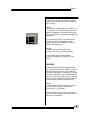
[Cue Only]
In Tracking Mode of operation, levels are modified only for the selected Cue. The use of this key
in the record sequence resets the levels for the
next Cue as hard levels without tracking.
[Clear]
Clears keystrokes that have been entered.
15