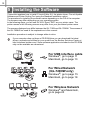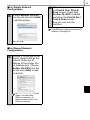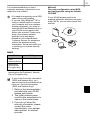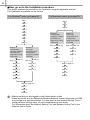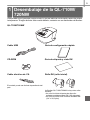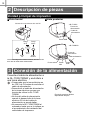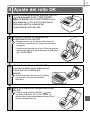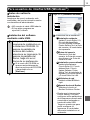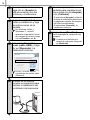
1
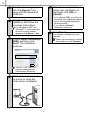
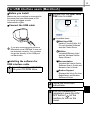
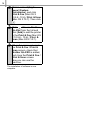
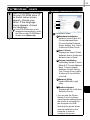
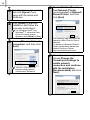
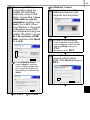
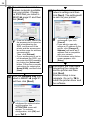
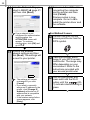
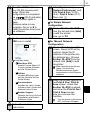
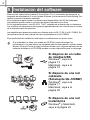
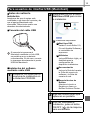
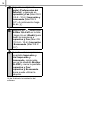
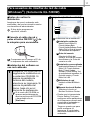
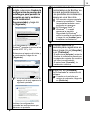
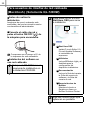
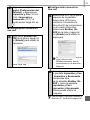
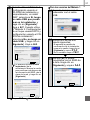
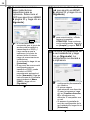
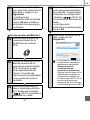
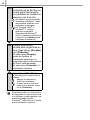
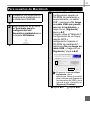
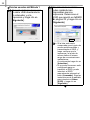
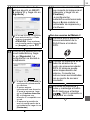
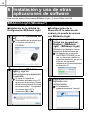
13 For USB interface users (Macintosh) Before you install Make sure your machine is connected to the power and your Macintosh is ON. You must be logged on with Administrator rights. 2 Double-click the Start Here OSX icon to install. Connect the USB cable Available items: 1 Start Here OSX Installs P-touch Editor 5.0, P-touch Update Software and the Printer Driver. If you are connecting the printer to Macintosh via a USB hub, it may not be detected correctly. If so, connect the printer directly to the USB port on Macintosh. 2 Utilities Includes BRAdmin Light and the Wireless Device Setup Wizard. 3 Documentation Includes the User’s Guide, Software User’s Guide and Network User’s Guide. Installing the software for USB interface cable 1 IInsert the installer CD-ROM into your CD-ROM drive. 4 Brother Support Displays the link to On-Line Registration and Brother Solutions Center. 3 Follow the on-screen instructions. 4 After the installation is completed, press the ON/ OFF button ( ) of the machine to turn on the power.