1
FS2 Installation and Operation Manual — VIDEO 1 and VIDEO 2 Menu Groups
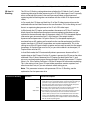
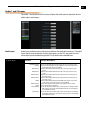
21 Test Pattern
Video
21 Test Pattern Video
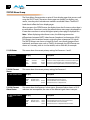
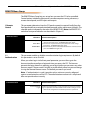
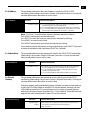
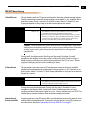
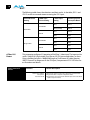
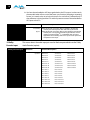
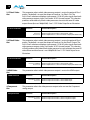
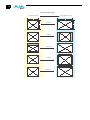
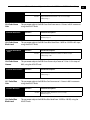
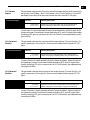
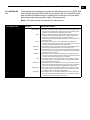
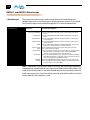
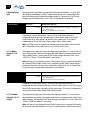
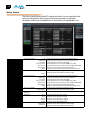
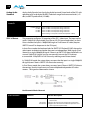
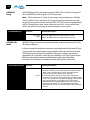
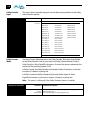
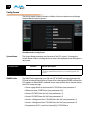
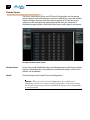
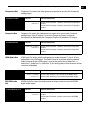
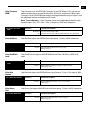
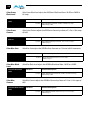
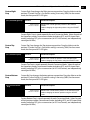
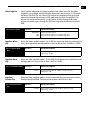
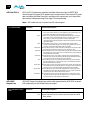
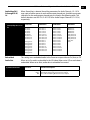
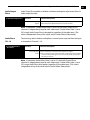
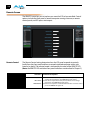
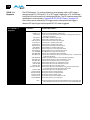
This parameter selects the video source for the Test Pattern Generator. The pattern
generator is turned off and on using Output parameter 3 Video Output mode.
Selections
Selection Descriptions
75% Bars (default)
Ramp
Multiburst
Flat Field
Black
100% Bars
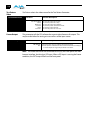
22Freeze Output
22 Freeze Output
111
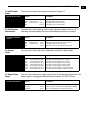
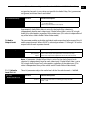
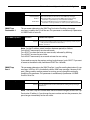
Sets the test pattern to 75% bars.
Sets the test pattern to ramp.
Sets the test pattern to a multiburst.
Sets the test pattern to flat field chroma.
Sets the test pattern to black.
Sets the test pattern to 100% bars.
1
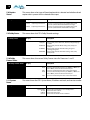
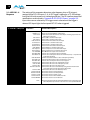
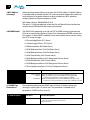
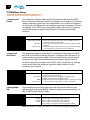
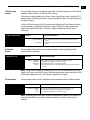
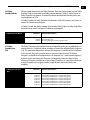
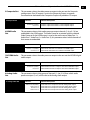
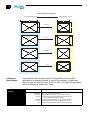
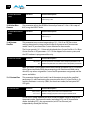
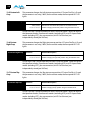
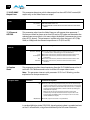
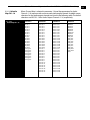
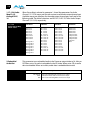
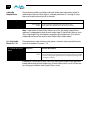
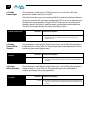
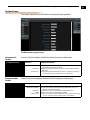
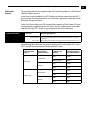
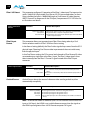
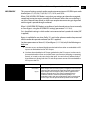
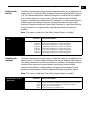
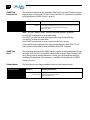
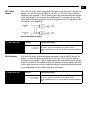
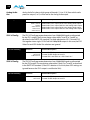
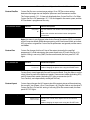
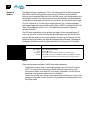
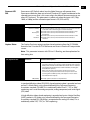
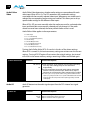
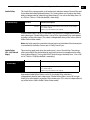
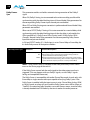
This parameter tells the FS2 to freeze the current video frame on all outputs. This may
be useful either for testing or in case of loss of the input source.
Selections
Selection Descriptions
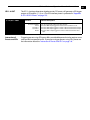
Off (default)
On
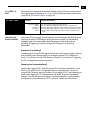
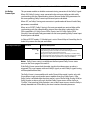
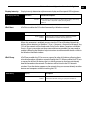
Normal operation. The FS2 outputs video from the input.
The FS2 captures and freezes the most current video frame and displays
it on the outputs as long as this parameter is set to On.
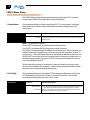
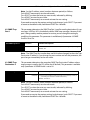
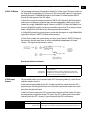
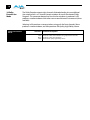
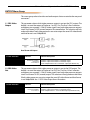
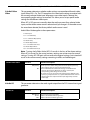
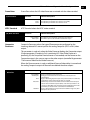
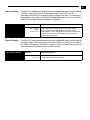
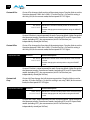
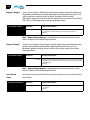
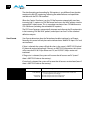
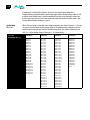
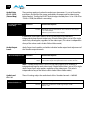
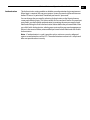
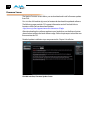
Note: The freeze feature can be controlled not only by the front-panel and web
browser interface, but also by a GPI input. When a GPI input is causing the freeze
condition, the EXT lamp will be lit on the front-panel.