1
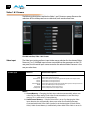
FS2 Installation and Operation Manual — Config Screen
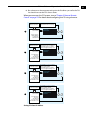
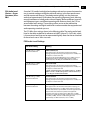
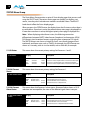
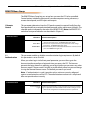
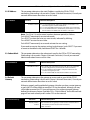
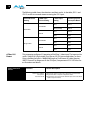
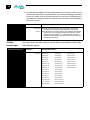
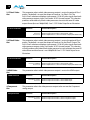
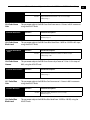
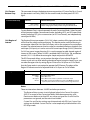
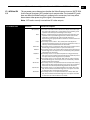
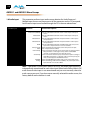
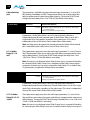
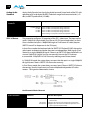
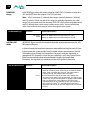
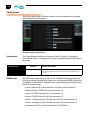
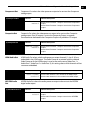
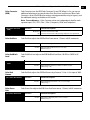
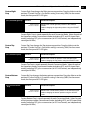
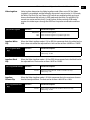
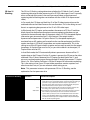
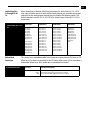
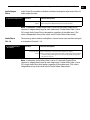
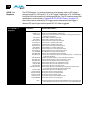
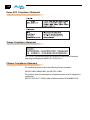
(4.0) SNMP Enable
Selections
Selection Descriptions
Disable (default)
Enable 1
Enable Both
SNMP Trap
Destination 1
143
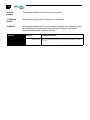
When set to Disable, the FS2 will not issue SNMP trap messages.
When set to Enable 1, the FS2 issues SNMP trap messages to Trap
Destination 1 (parameter 4.1) and as defined in the MIB.
When set to Enable Both, the FS2 issues SNMP trap messages to Trap
Destination 1 and 2 (parameters 4.1 and 4.3) and as defined in the MIB.
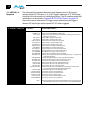
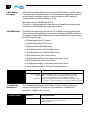
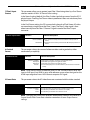
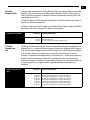
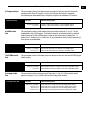
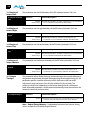
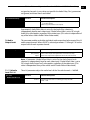
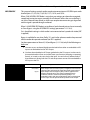
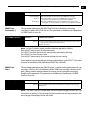
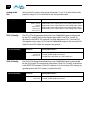
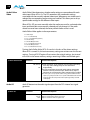
This parameter determines the SNMP Trap Destination IP address where trap
messages issued by the FS2 will be sent. This parameter is available only if parameter
4.0 SNMP Enable is set to On.
1
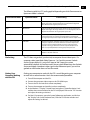
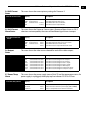
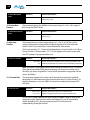
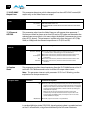
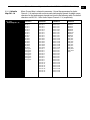
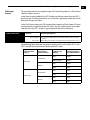
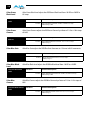
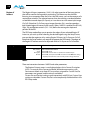
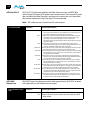
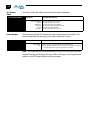
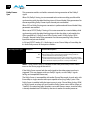
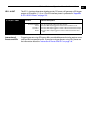
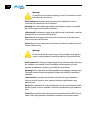
(4.1) SNMP Trap Dest 1
Selections
Selection Descriptions
Variable
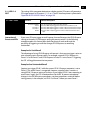
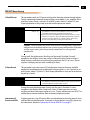
Set the desired IP address where traps will be sent (usually a client on your
LAN). (See the note below for instructions.)
Default: 192.168.0.3
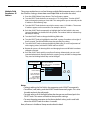
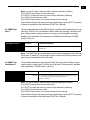
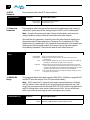
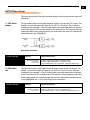
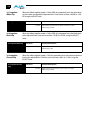
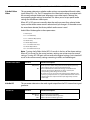
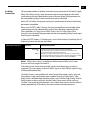
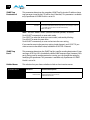
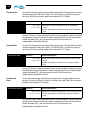
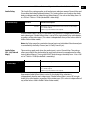
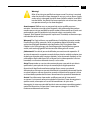
Note: Set the IP address octets (numbers between periods) as follows:
Push ADJUST momentarily to enter edit mode.
Turn SELECT to select the octet you want to edit, indicated by blinking.
Turn ADJUST to enter the new value.
Push ADJUST momentarily to save and activate the new setting.
If you need to revert to the previous setting (undo changes), push SELECT. If you want
to revert to the default value, hold down ADJUST for 4 seconds.
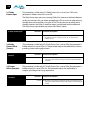
SNMP Trap
Port 1
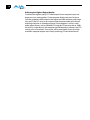
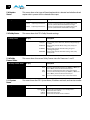
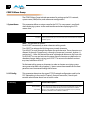
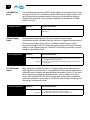
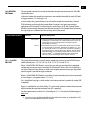
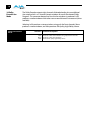
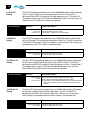
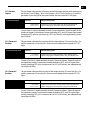
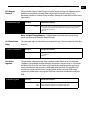
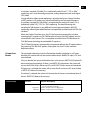
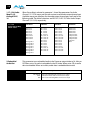
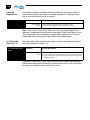
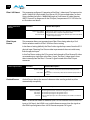
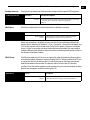
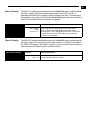
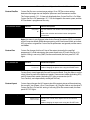
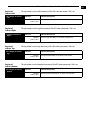
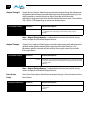
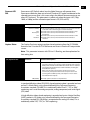
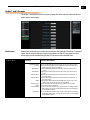
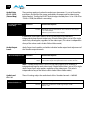
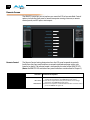
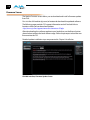
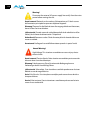
(4.2) SNMP Trap Port 1
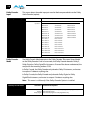
This parameter determines the SNMP Trap Port 1 used for sending destination #1 trap
messages. UDP Port 162 is the default used for SNMP trap messages. However, if this
port is being used by another protocol or service, you can change the setting by
modifying this parameter. This parameter is available only if parameter 4.0 SNMP
Enable is set to On.
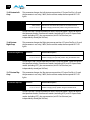
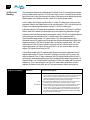
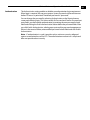
Selections
Selection Descriptions
Variable
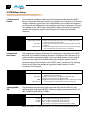
Turn the ADJUST knob to select a UDP port for sending FS2 trap messages.
Default: 162
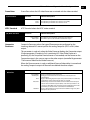
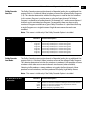
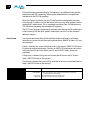
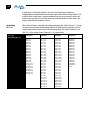
Note: The SNMP Trap Port number does not blink when changed (as does the Trap
Destination IP address); if you change the port number and exit the parameter, the
port changes immediately to the new value.