1
FS2 Installation and Operation Manual — VIDEO 1 and VIDEO 2 Menu Groups
VIDEO 1 and VIDEO 2 Menu Groups
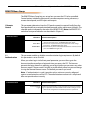
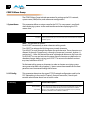
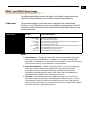
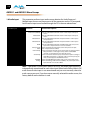
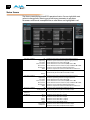
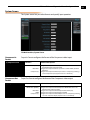
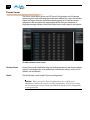
The following descriptions explain the Video 1 and 2 Menu Groups. Because the
selections for the video processors are identical, both are described here.
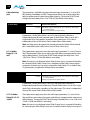
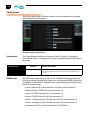
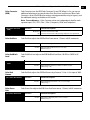
1 Video Input
1 Video Input
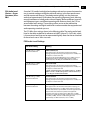
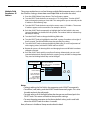
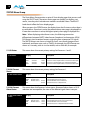
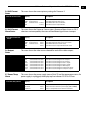
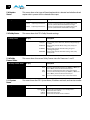
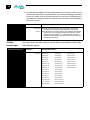
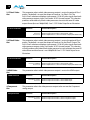
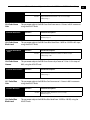
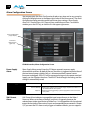
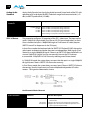
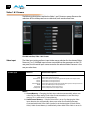
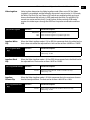
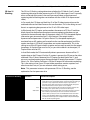
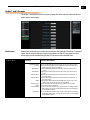
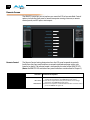
This parameter performs input video source selection for the selected Video
Processor (1 or 2). Multiple input sources are available at the connectors on the FS2
rear panel, but the active input source routed to the selected Video Processor is the
one you select here.
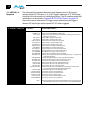
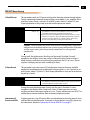
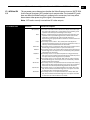
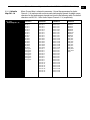
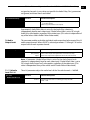
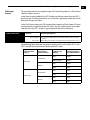
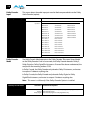
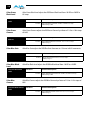
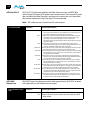
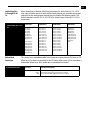
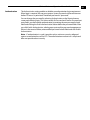
Selections
SDI1 (default)
SDI2
SDI DualLink
Fiber1
Fiber2
Fiber DualLink
HDMI
Composite
Component
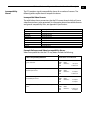
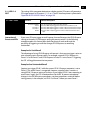
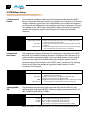
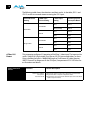
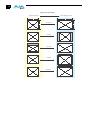
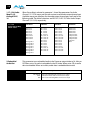
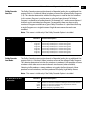
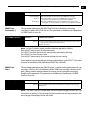
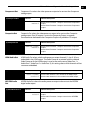
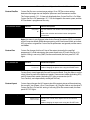
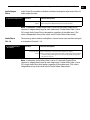
Selection Descriptions
1
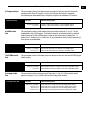
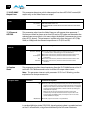
Select SDI1 as the input source.
Select SDI2 as the input source.
Select SDI DualLink mode, linking both SDI inputs as the input source.
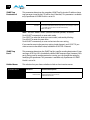
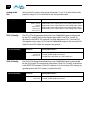
Select Fiber1 as the input source.
Select Fiber2 as the input source.
Select Fiber DualLink mode, linking both Fiber inputs as the input sources.
Select the HDMI input as the input source.
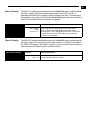
Select Composite as the input source.
Select Component as the input source.
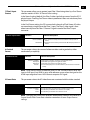
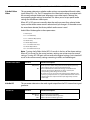
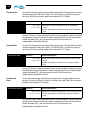
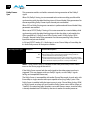
Notes:
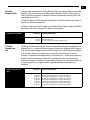
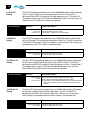
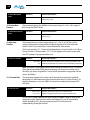
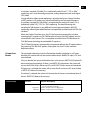
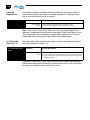
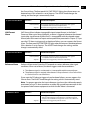
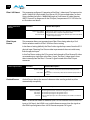
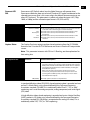
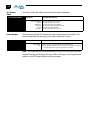
1. Source Memory—Changing the Video Input selection automatically selects new
values for Proc Amp parameters (11.1 through 11.4) and Color Corrector (RGB)
parameters (12.0 through 12.9). Each video source remembers its own Proc Amp and
Color Corrector settings. This is referred to as Source Memory.
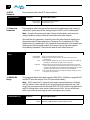
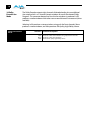
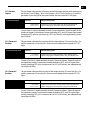
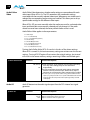
2. Audio Source Memory—If AUDIO 3 Audio Follow Video is set to On, changing the
Video Input selection will also automatically select new values for all audio
parameters associated with Audio Follow Video (see the list provided in the
description of parameter AUDIO 3 Audio Follow Video). Audio Source Memory is
enabled only when AUDIO 3 Audio Follow Video is set to On.
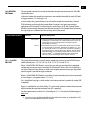
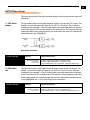
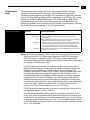
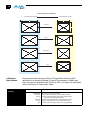
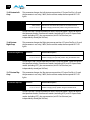
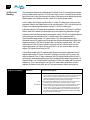
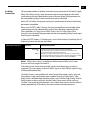
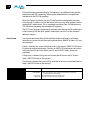
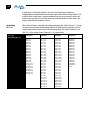
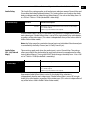
3. Dual Link—Dual Link referred to here is 1080p50/59.94 on two 1.5 Gb HD-SDI
connections. Selecting Dual Link as the Video Input for Video Processor 1 or 2 will
allocate both SDI Inputs for Dual Link use. Both Processors can use the Dual Link
Input, or if only one Processor is using it, the other Processor is free to select another
input. The Fiber inputs operate the same way.
89