1
Configuring SNMP
Configuring SNMP
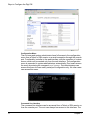
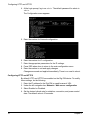
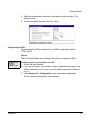
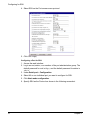
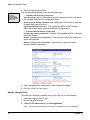
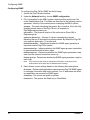
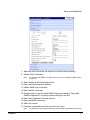
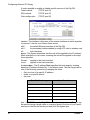
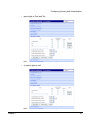
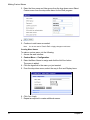
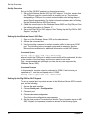
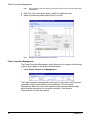
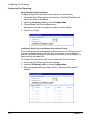
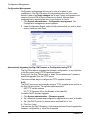
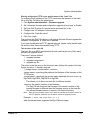
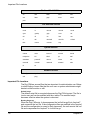
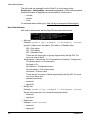
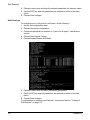
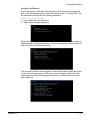
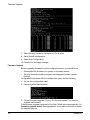
To configure the Digi CM for SNMP do the following:
1. Access the Digi CM web interface.
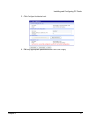
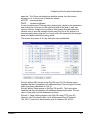
2. Under the Network heading, choose SNMP configuration.
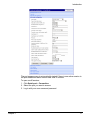
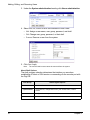
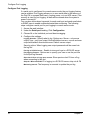
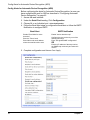
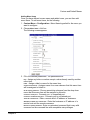
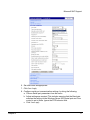
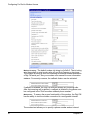
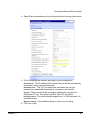
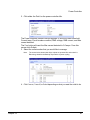
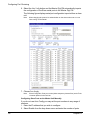
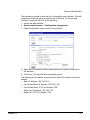
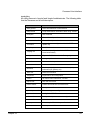
3. Fill in information for the MIB-II system objects section and choose Yes
under EnableAuthenTrap. The fields are described in the following section:
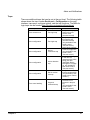
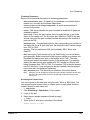
sysContact - Identity of the contact person managing the MIB-II system.
sysName - The name identifying the system. By convention, this is the fully
qualified domain name of the Digi CM unit. An example is:
[email protected].
sysLocation. - The physical location of the unit such as Room 264 or
Engineering Lab.
sysService (Read only). - A series of values, separated by commas,
indicating the set of services the system provides. By default the Digi CM
only supports Application (7) service level.
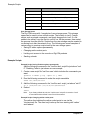
EnablePowerOnTrap. - Determines whether the SNMP agent generates a
trap each time the Digi CM is started.
EnableAuthenTrap. - Indicates whether the SNMP agent process is permitted
to generate authentication failure traps.
EnableLinkUpTrap. - Determines whether the SNMP agent generates a trap
each time the network connection comes up.
EnableLoginTrap - Determines whether the SNMP agent generates a trap for
each login.
Note:
Trap values override all other configuration information, meaning all other
authentication failure traps can be disabled with this setting.
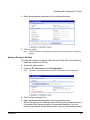
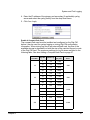
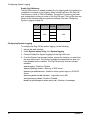
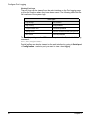
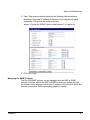
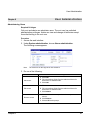
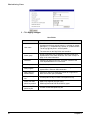
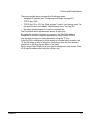
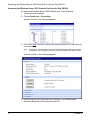
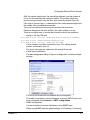
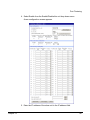
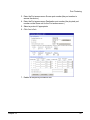
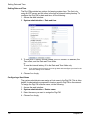
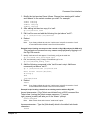
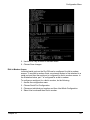
4. Enter Access control settings based on the following field descriptions:
IP Address - Defines what applications can access the Digi CM SNMP agent
to exchange information and control actions. If no IP addresses are listed,
any application can access the SNMP agent.
Community - The options are public or private.
Permissions - The options are Read only or Read/Write.
54
Chapter 5