1
Configuration
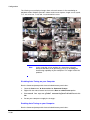
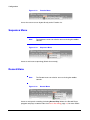
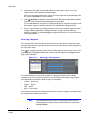
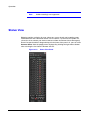
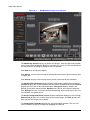
Figure 3-9
Note
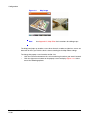
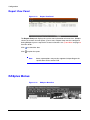
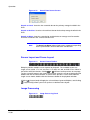
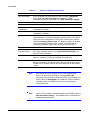
Map Image
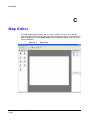
See Appendix C, Map Editor for instructions for editing maps.
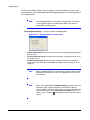
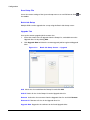
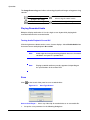
The Map panel pops up another screen when alarm-in, motion or video loss events are
detected or when you click the device icon according to the Map Editor settings.
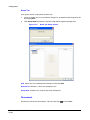
To change the popup screen location and/or size:
•
•
Click the left mouse button on the screen and drag it to where you want it located.
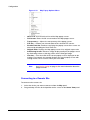
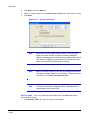
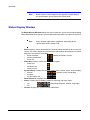
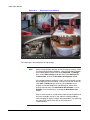
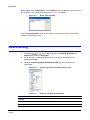
Click the right mouse button on the popup screen to display Figure 3-10. Select
one of the following options:
Document 800-05056 Rev C
11/09
29