1
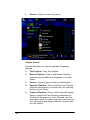
Mon through Sun (Monday through Sunday)—
Programs the Wireless Thermostat for individual
days.
New schedule changes automatically override any
conflicting existing schedule.
5.
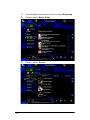
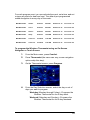
For the day (or set of days) you selected, program these
six (6) events as needed, beginning with Awake: Awake,
Leave, Return, Sleep, Custom 1 and Custom 2.
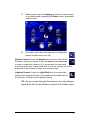
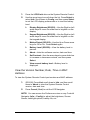
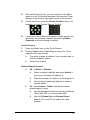
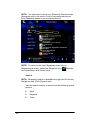
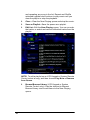
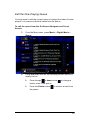
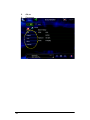
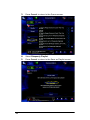
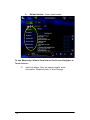
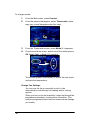
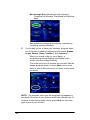
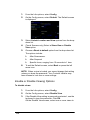
When you chose a day (or set of days), a
programming wizard displays the Awake event
screen (see the example below).
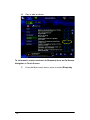
This is the first of six (6) screens you can edit. Edit the
Awake program event, or press Next one or more
times to skip to the next event you want to edit (such
as Leave).
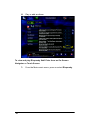
NOTE: The program event you are programming appears in
the upper-left corner of your screen next to the selected day. To
continue to the next program event, press Next (in the lowerright corner of your screen).
94