1
eCopy ShareScan® Installation and Setup Guide | 79
4
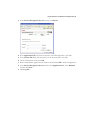
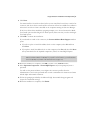
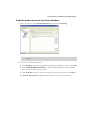
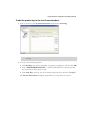
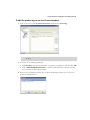
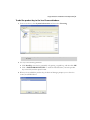
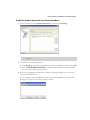
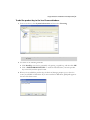
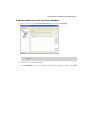
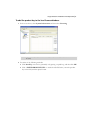
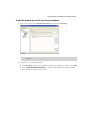
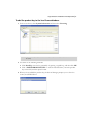
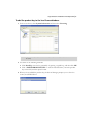
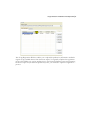
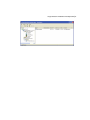
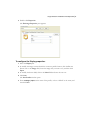
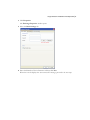
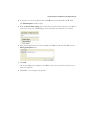
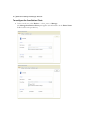
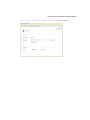
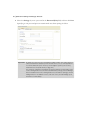
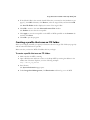
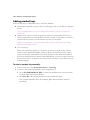
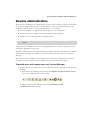
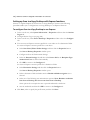
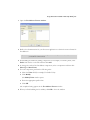
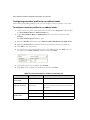
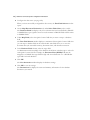
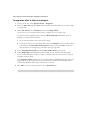
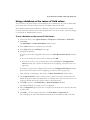
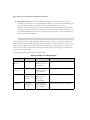
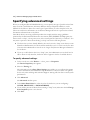
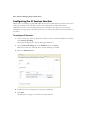
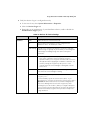
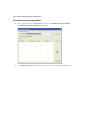
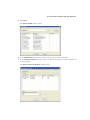
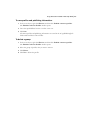
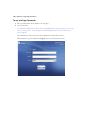
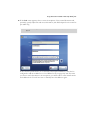
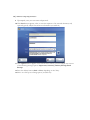
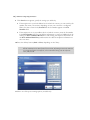
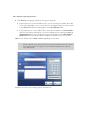
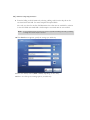
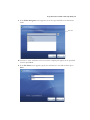
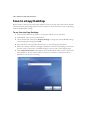
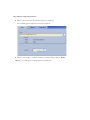
To specify one or more recipients, click the Add button associated with the To: field.
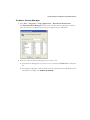
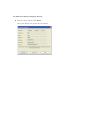
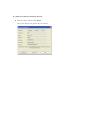
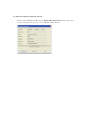
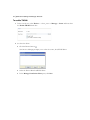
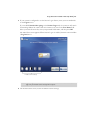
The Add Recipients window opens.
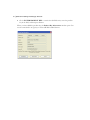
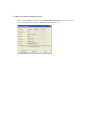
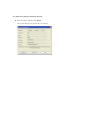
5
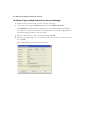
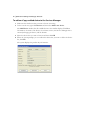
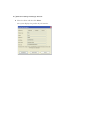
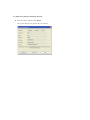
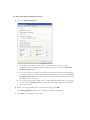
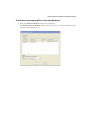
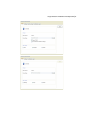
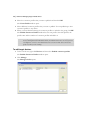
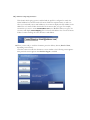
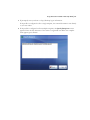
With the Search while typing option selected, enter the first few characters of a recipient’s
name. As you type, the system displays names that match the characters you entered.
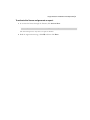
6
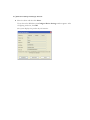
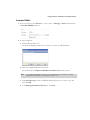
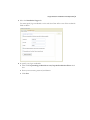
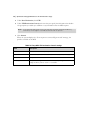
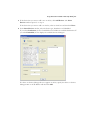
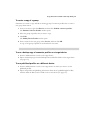
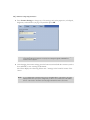
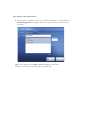
Select each recipient that you want to include on the To: list and then click To -> in the
Message Recipients area.
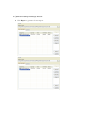
7
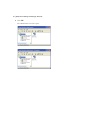
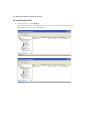
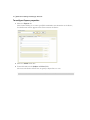
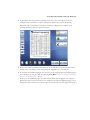
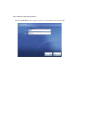
Click OK.
The console displays the recipients in the To: list. The user at the device will not have to
select any recipients.
8
Click Save to save changes to the profile.