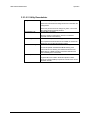
1
Operation
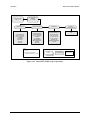
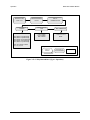
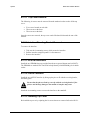
SDM-100A Satellite Modem
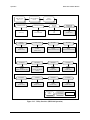
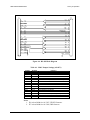
SDM-100 "TYPE"
VER: 14.7.4
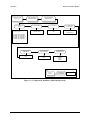
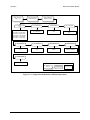
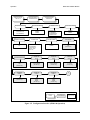
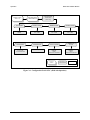
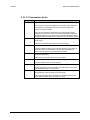
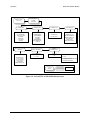
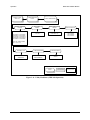
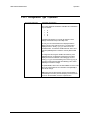
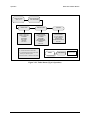
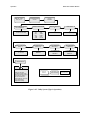
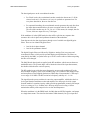
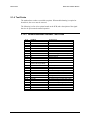
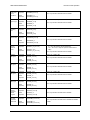
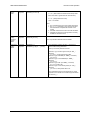
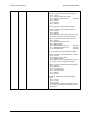
FUNCTION SELECT
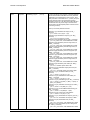
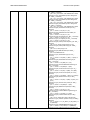
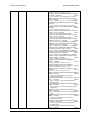
FAULTS/ALARMS
MODULATOR
DEMODULATOR
IF SYNTHESIZER
DATA CLOCK SYN
I CHANNEL
Q CHANNEL
AGC LEVEL
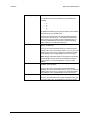
MODULE
See notes.
CARRIER DETECT
IF SYNTHESIZER
I CHANNEL
Q CHANNEL
DESCRAMBLER
BER THRESHOLD
MODULE
See notes.
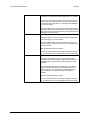
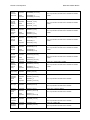
TX INTERFACE
RX INTERFACE
TX CLK ACTIVITY
TX AUDIO CLIP
BUFFER CLK ACT
BUFFER UNDERFLOW
BUFFER OVERFLOW
RX AUDIO CLIP
DEMUX LOCK
REMOTE OFF HOOK
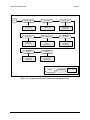
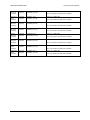
COMMON
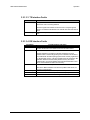
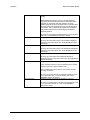
Notes:
BATTERY/CLOCK
-12 VOLT SUPPLY
+12 VOLT SUPPLY
+5 VOLT SUPPLY
CONTROLLER
INTERFACE MODULE
See notes.
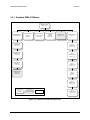
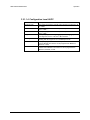
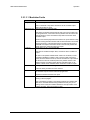
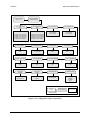
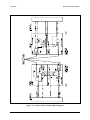
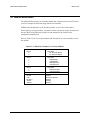
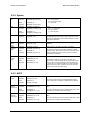
1. A “-” indicates that no fault or alarm exists.
2. A “+” indicates that a fault exists, and will cause
switching in a redundant system.
3. A reversed contrast “+” indicates an active alarm.
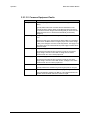
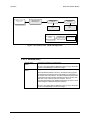
Key:
ACCESS TO
SUBMENU
CONDITIONAL OR
OPTION-DEPENDENT
Parameter Information
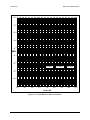
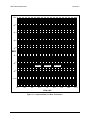
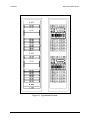
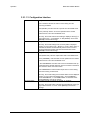
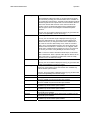
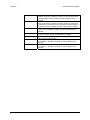
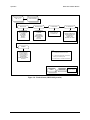
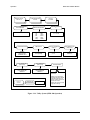
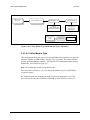
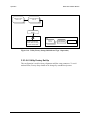
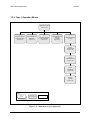
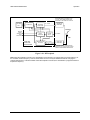
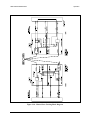
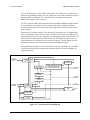
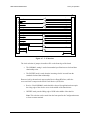
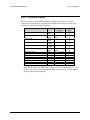
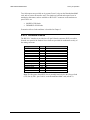
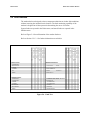
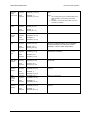
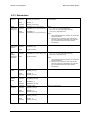
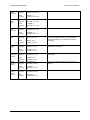
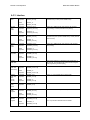
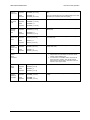
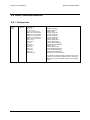
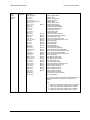
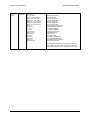
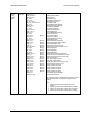
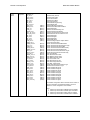
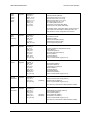
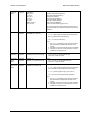
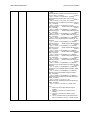
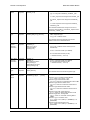
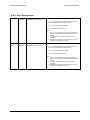
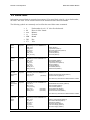
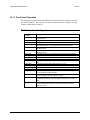
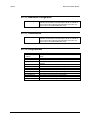
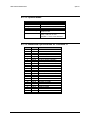
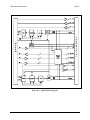
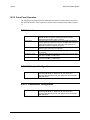
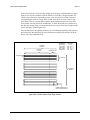
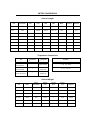
Figure 3-8. Faults/Alarms (SDM-100 Operation)
3–28
Rev. 0