1
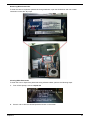
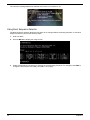
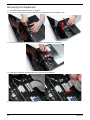
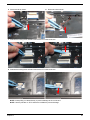
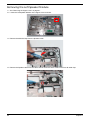
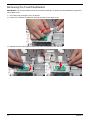
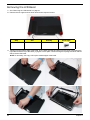
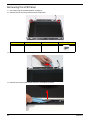
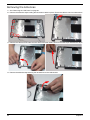
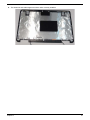
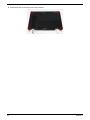
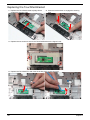
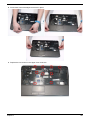
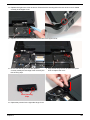
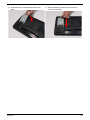
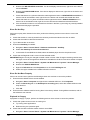
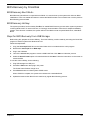
4. Replace the right screw cover as shown. Ensure that the securing tab on the rear of the cover is seated
correctly in the Upper Cover.
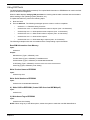
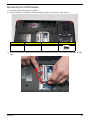
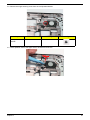
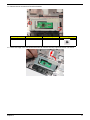
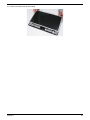
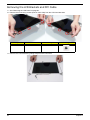
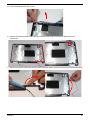
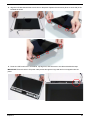
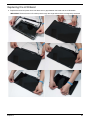
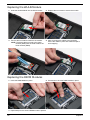
5. Replace the four screws securing the LCD Module to the Upper Cover.
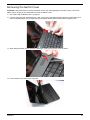
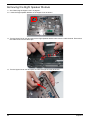
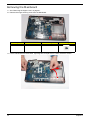
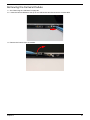
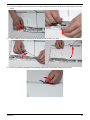
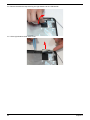
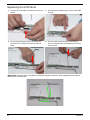
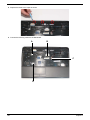
6. Ensure that the Hinge Covers are replaced
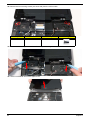
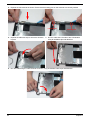
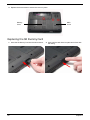
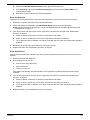
7. Align the left Hinge Cover as shown and press
correctly. Identify the rear edge of the covers by the
down to replace the cover.
two securing clips.
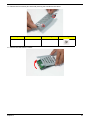
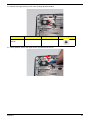
Rear Securing
Clips
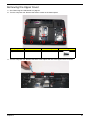
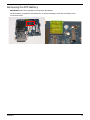
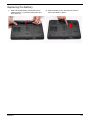
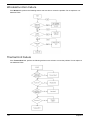
8. Repeat the process for the right side Hinge Cover.
Chapter 3
109