1
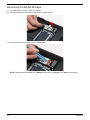
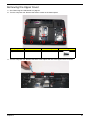
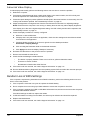
Removing the Hard Disk Drive Module
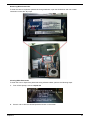
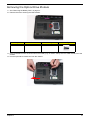
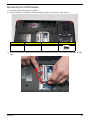
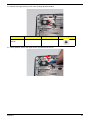
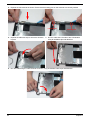
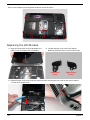
1. See “Removing the Lower Covers” on page 46.
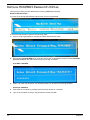
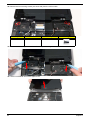
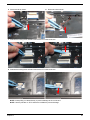
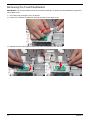
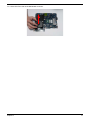
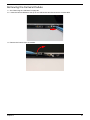
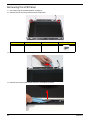
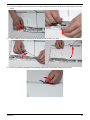
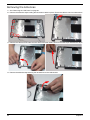
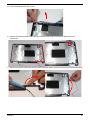
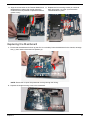
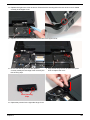
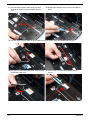
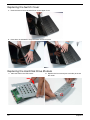
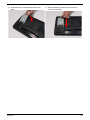
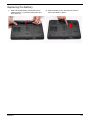
2. Using the pull-tab, slide the HDD Module in the direction of the arrow to disconnect the interface.
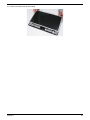
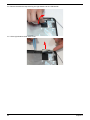
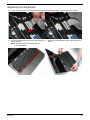
3. Lift the HDD Module clear of the HDD bay.
NOTE: To prevent damage to device, avoid pressing down on it or placing heavy objects on top of it.
52
Chapter 3