1
XL-HP404V
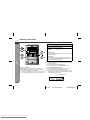
Caution:
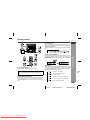
" To remove the cassette, press the (TAPE ) button, and then
open the compartment.
" If a power failure occurs during tape operation, the tape head will
remain engaged with the tape and the cassette door will not
open. In this case, wait until the power is restored.
ENGLISH
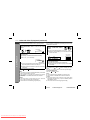
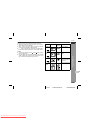
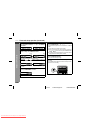
! Various tape functions
Function
Main unit
Remote
control
Operation
Side A playback
Press in the stop
mode.
Side B playback
Press in the stop
mode.
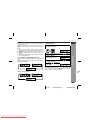
Stop
Press in the playback,
fast forward or fast rewind mode.
Fast forward/Fast
rewind
Press in the playback
or stop mode.
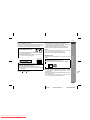
Tape Playback
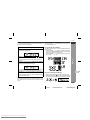
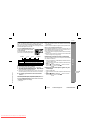
Auto power on function:
When you press any of the following buttons, the unit turns on.
" TAPE button (main unit and remote control): The unit turns on
and the "TAPE" function is activated.
" TAPE button on the remote control: The unit turns on and side
A playback starts (regardless of the last function).
/ button on the main unit: The unit turns on and playback of
"
the last function starts (CD/VIDEO CD, TAPE, TUNER, VIDEO).
4
E-32
04/2/9
Downloaded From Disc-Player.com Sharp Manuals
XL-HP404V(Z)E4.fm
TINSZA059AWZZ