1
Managing messages — Deleting messages 121
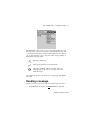
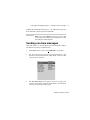
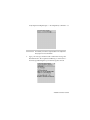
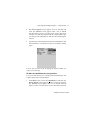
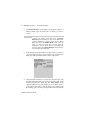
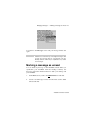
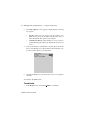
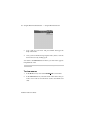
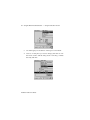
message. Click Yes. (This dialog box appears only if Confirm
Message Delete is enabled in the Message List Options screen.)
You return to the Messages screen and you can see that the message
is no longer listed.
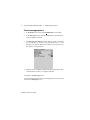
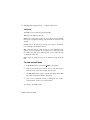
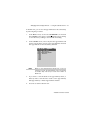
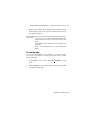
To delete multiple messages
You can delete all messages prior to a particular date by selecting a
date field.
1.
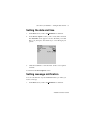
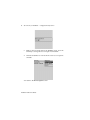
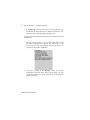
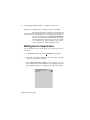
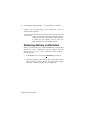
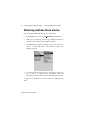
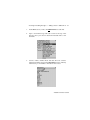
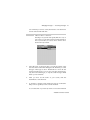
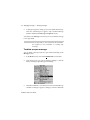
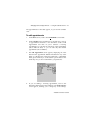
In the Home screen, scroll to the MESSAGES icon and click. In
the Messages screen, scroll to a date field.
2.
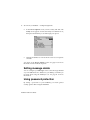
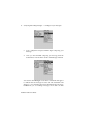
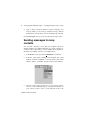
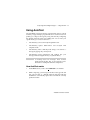
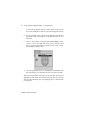
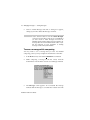
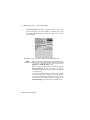
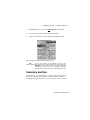
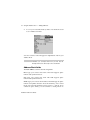
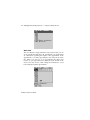
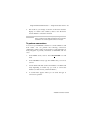
With the date field selected, click to view the menu. Scroll to
Delete Prior and click.
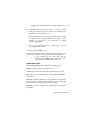
3.
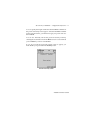
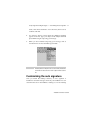
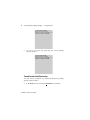
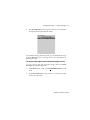
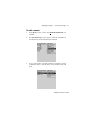
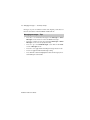
A dialog box appears, asking if you are sure you want to delete
all messages sent or received prior to and including that date.
Click Yes.
Installation and User’s Guide