1
Receiving and reading messages — Adding contacts to Address Book 101
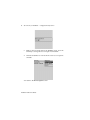
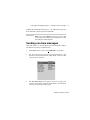
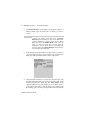
1.
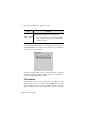
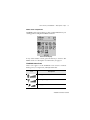
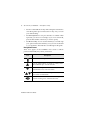
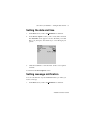
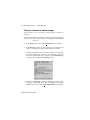
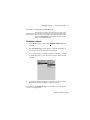
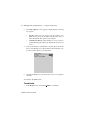
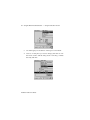
In the Home screen, scroll to the MESSAGES icon and click.
2.
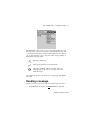
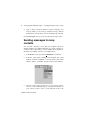
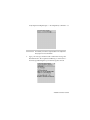
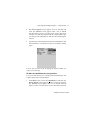
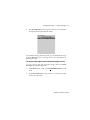
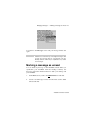
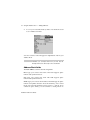
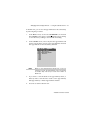
Open a received message and read it. Scroll to the top of the
message. Place your cursor in the From field and click to view
the menu.
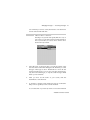
3.
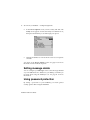
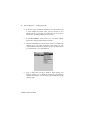
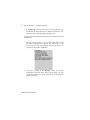
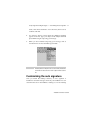
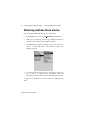
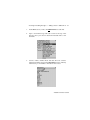
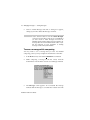
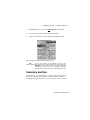
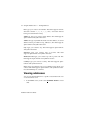
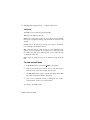
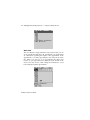
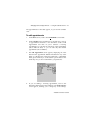
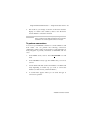
Scroll to Add to Address Book and click. The new contact’s
information will be shown in the Edit Address screen. Add any
information you would like to include for this contact.
Installation and User’s Guide