1
CÓPIA NÃO CONTROLADA
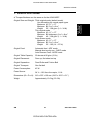
BASIC OPERATION
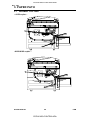
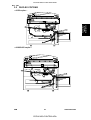
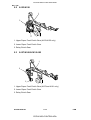
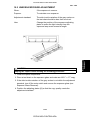
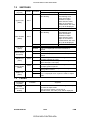
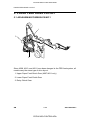
3.2 STAPLE MODE
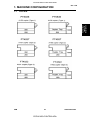
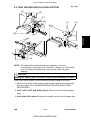
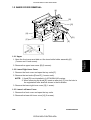
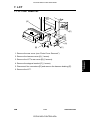
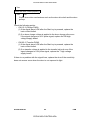
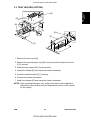
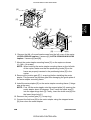
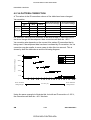
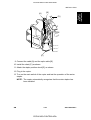
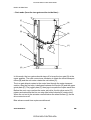
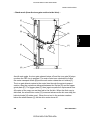
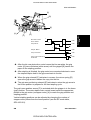
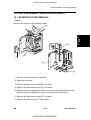
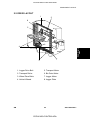
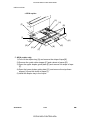
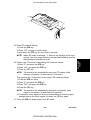
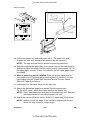
[B]
[C]
[A]
[D]
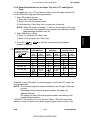
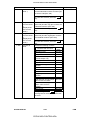
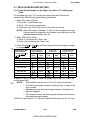
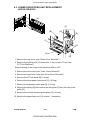
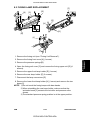
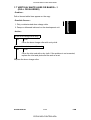
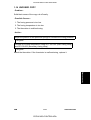
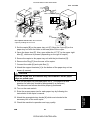
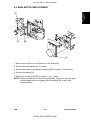
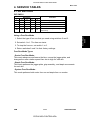
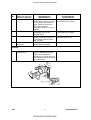
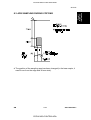
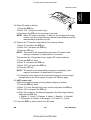
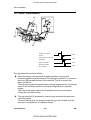
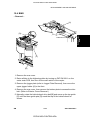
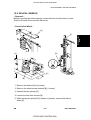
A658D503.wmf
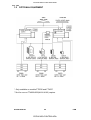
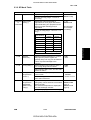
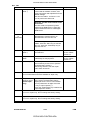
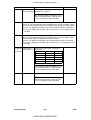
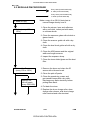
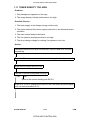
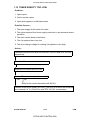
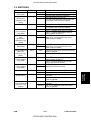
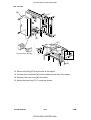
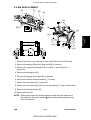
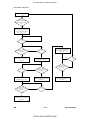
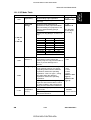
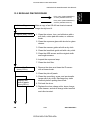
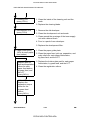
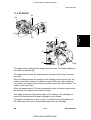
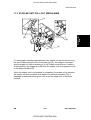
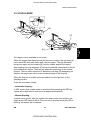
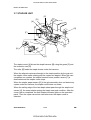
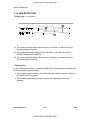
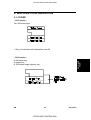
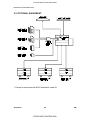
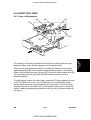
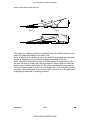
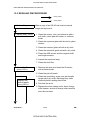
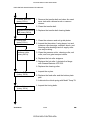
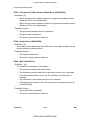
The stapler is only available in sort mode.
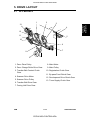
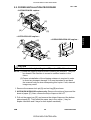
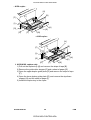
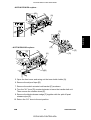
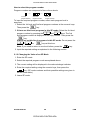
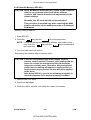
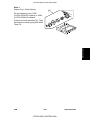
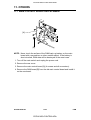
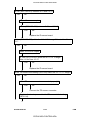
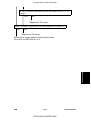
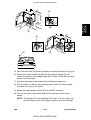
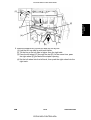
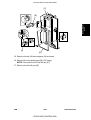
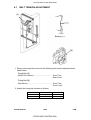
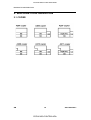
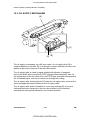
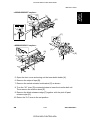
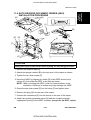
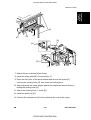
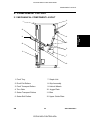
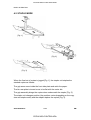
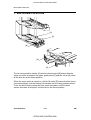
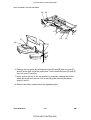
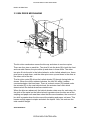
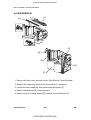
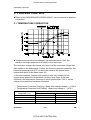
When the jogger plate has squared the final set of copies, the grip arms [A]
move inside the front side frame and catch the paper. The grip assembly
brings the copies into the stapler [B], and the stapler staples the copies.
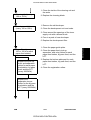
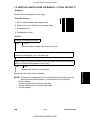
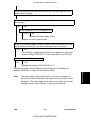
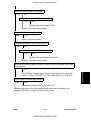
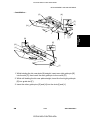
After stapling, the grip assembly [C] brings the stapled copies back to the bin
and releases the copies. Then the grip assembly goes back to the normal
position. The bin either advances or descends one step [D] (depending on
whether the page is an odd or even numbered page of the original).
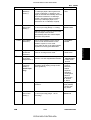
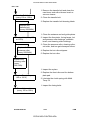
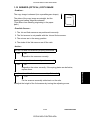
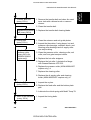
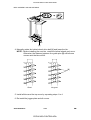
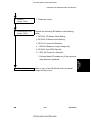
When the final set of copies has been stapled, the bins go back to the
standby position.
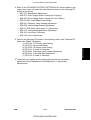
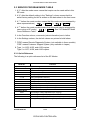
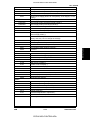
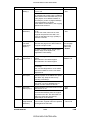
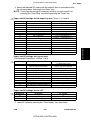
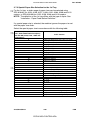
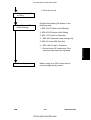
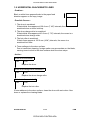
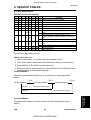
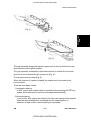
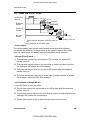
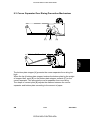
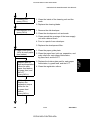
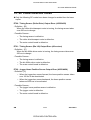
There are two staple modes.
– Automatic Stapling –
In ADF mode, when staple mode is selected before pressing the ! key,
copies will be delivered to each bin and stapled automatically.
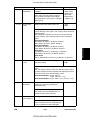
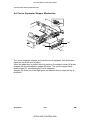
– Manual Stapling –
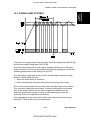
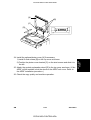
In platen cover mode, after the copies have been sorted into the bins, the
staple mode LED starts to blink. If the sort key is pressed while this LED is
blinking, the copies will be stapled.
SM
4-7
CÓPIA NÃO CONTROLADA
A207/A208/A211
Sorter Stapler
A658
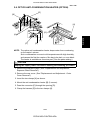
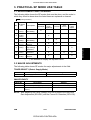
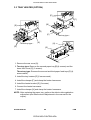
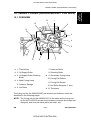
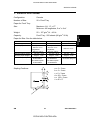
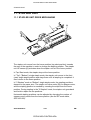
A658D502.wmf