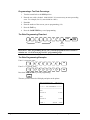
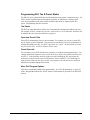
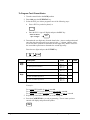
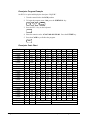
1
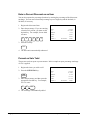
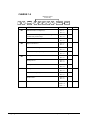
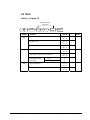
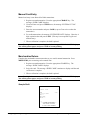
Manual Card Entry
Manual card entry is not allowed for Debit transactions.
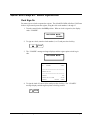
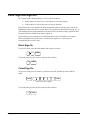
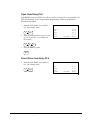
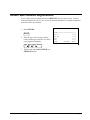
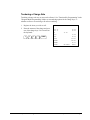
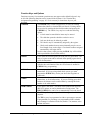
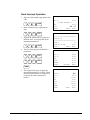
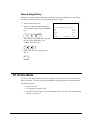
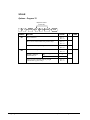
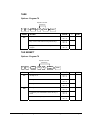
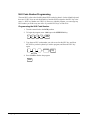
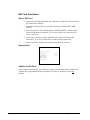
1. Register a normal transaction. Press the appropriate CHARGE key. The
message ‘SLIDE CARD” displays.
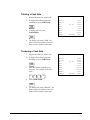
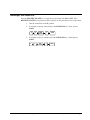
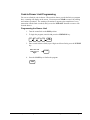
2. If card will not read, press CLEAR once, the message “ENTER ACCT NO”
displays.
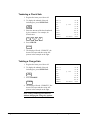
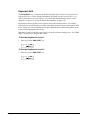
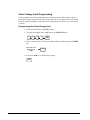
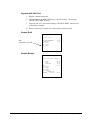
3. Enter the account number and press CASH (or press Clear twice to abort the
transaction.)
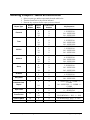
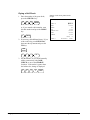
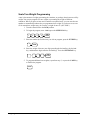
4. For credit transactions, the message “ENTER EXP DATE” displays. Enter the 4digit expiration date and press CASH. (This step is not required for gift card
manual entry).
5. When verification is complete, the draft is printed.
Note: If multiple documents are to be printed, the message “CLEAR / CASH” displays.
Tear off the printer paper, and press CASH to resume printing.
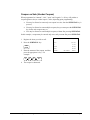
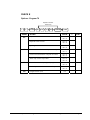
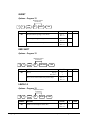
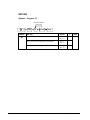
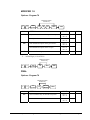
Merchandise Return
Complete the merchandise return transaction as you would a normal transaction. Press
MDSE RTRN prior to entering each returned item.
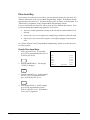
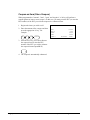
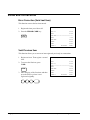
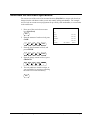
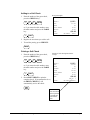
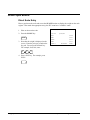
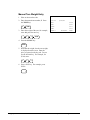
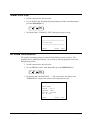
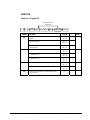
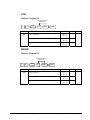
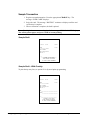
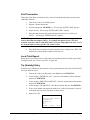
1. Register a normal transaction. Press the appropriate CHARGE key. The
message “SLIDE CARD” displays.
2. Swipe the card. The message “SLIDE CARD” continues to display until the card
verification is complete.
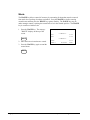
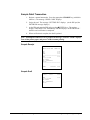
3. When verification is complete, the draft is printed.
Note: If multiple documents are to be printed, the message “CLEAR / CASH” displays.
Tear off the printer paper, and press CASH to resume printing.
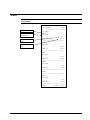
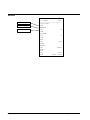
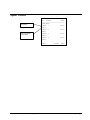
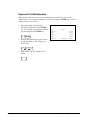
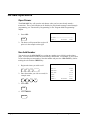
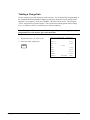
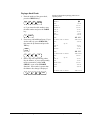
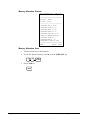
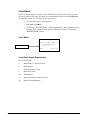
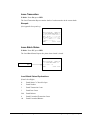
Sample Draft
5/26/04
10:42
SALE
************6301
APP: *7
REF: 00003
REC NO : 3
1
-2.00
X___________________________
I AGREE TO PAY ABOVE
TOTAL AMOUNT ACCORDING
TO CARD ISSUER AGREEMENT
204 • Integrated Payment Appendix
SAM4s ER-285M Operator's and Program Manual v1.4