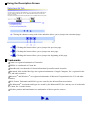
1
Transporting Printer
When relocating the printer or storing the printer for a long period of time, pack the printer using the original
packing materials.
If you do not have the original packing materials, pack the printer carefully using in protective material and place
inside a sturdy box.
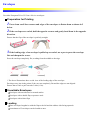
1 Turn the printer off and unplug the printer.
Important Do not unplug the printer while the POWER lamp is lit or flashing to protect the printer
from the damage.
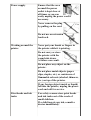
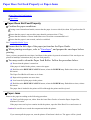
2 Close the Paper Rest and Paper Output Slot Cover.
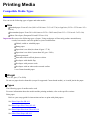
3 Disconnect the printer cable from the computer and from the printer, and then disconnect
the Universal AC Adapter from the printer.
Note When the battery is connected to the printer but is not used for a long period of time (6
months or longer), remove the battery pack from the battery charger. For details on how to
remove the battery pack, refer to the manual supplied with the battery.
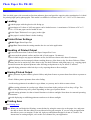
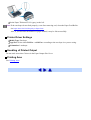
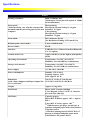
4 Pack the printer in a plastic bag.
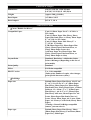
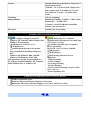
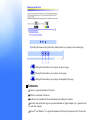
Note
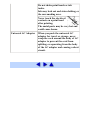
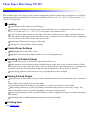
Do not carry or store the printer with the round side down.
A failure can result.
Clearly label the box as "Fragile", if using a transporting company.