1
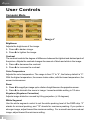
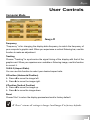
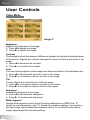
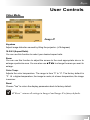
English User Controls Computer Mode Image-II Frequency “Frequency” is for changing the display data frequency to match the frequency of your computer’s graphic card. When you experience a vertical flickering bar, use this function to make an adjustment. Tracking Choose “Tracking” to synchronize the signal timing of the display with that of the graphic card. When you experience an unstable or flickering image, use this function to correct it. 16:9/4:3 (Aspect Ratio) You can use this function to select your desired aspect ratio. H.Position (Horizontal Position) Press to move the image left. Press to move the image right. V.Position (Vertical Position) Press to move the image up. Press to move the image down. Reset Choose”Yes” to return the display parameters back to factory default. ”Reset” returns all settings in Image-I and Image-II to factory defaults. 23