1
Processor Sets (Psets) on nPartitions
Introduction to Psets
DRAFT NOV 2001
HP Restricted / DRAFT
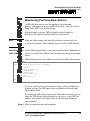
HP-UX Processor
Numbering and
Availability on
nPars
The HP-UX operating system number processors from 0 to n-1, where n
is the number of configured processors on active cells in an nPartition.
Each physical processor is not necessarily given the same logical HP-UX
processor ID each time the nPar is booted. HP-UX processor IDs are
assigned on a first-come first-numbered basis. As a result, even if an
nPartition’s processor configuration does not change, the correlations
from physical processors to logical HP-UX processor IDs may change
when HP-UX is rebooted in the nPar.
This list gives details on how processors are available and numbered by
HP-UX running on nPartitions.
• The following processors are numbered and are available: processors
that are configured, reside on active cells, and (if HP’s iCOD software
is configured) are activated by iCOD.
• Processors that are deconfigured are not available and are not
numbered by HP-UX.
For deconfigured processors to be available they first must be
configured using the nPar’s Boot Console Handler (BCH) interface.
For details refer to the procedure for configuring and deconfiguring
processors.
• Processors on inactive cells are not available and are not numbered by
HP-UX. The cells must be active and must have configured processors
in order to contribute processors to the nPar.
Refer to the section on deconfiguring cells, processors, and memory
for details.
• Processors that have been deactivated by HP’s Instant Capacity on
Demand (iCOD) software are numbered by HP-UX but are not
available to be used until they are activated by iCOD.
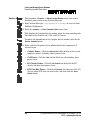
This means that when iCOD has deactivated one or more processors,
some processors were numbered by are not listed in output displayed
by commands such as mpsched -s, top, or sar.
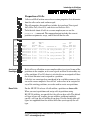
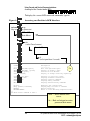
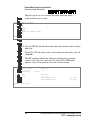
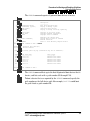
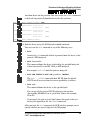
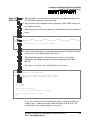
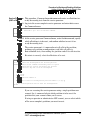
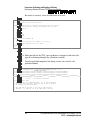
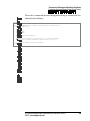
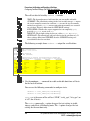
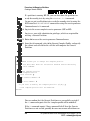
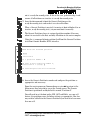
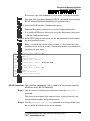
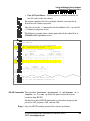
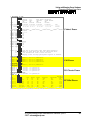
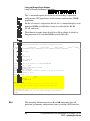
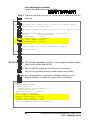
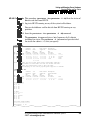
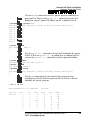
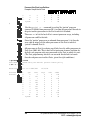
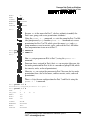
For example, the mpsched output below shows that processors 1, 2, 5,
6 and possibly others are deactivated. (To view more iCOD details use
icod_stat.) Refer to the sections on iCOD for details.
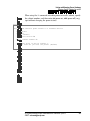
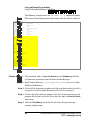
# mpsched -s
System Configuration
=====================
HP System Partitions Guide: Administration for nPartitions—rp7410
EMSP—[email protected]
331