1
all.book
Page 48
Friday, September 28, 2001 4:07 PM
Making Copies
Copy Cut-off
When making a copy of a document that is longer than the printing paper, use
the copy cut-off setting to select whether the remaining part of the document
will be cut off or printed on a second page. The initial setting is YES (cut off
the remainder). To change the setting, follow the steps below.
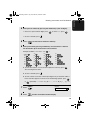
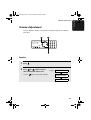
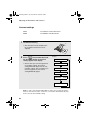
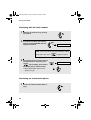
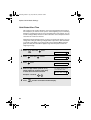
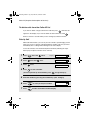
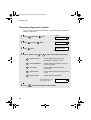
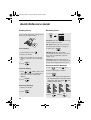
1
Press
FUNCTION
once and
once.
Display:
OPTION SETTING
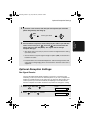
2
Press
once and
3
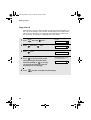
Press
once.
4
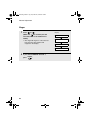
Press 1 to set copy cut-off to YES
(the remaining part of the document
once.
will not be printed), or 2 to set copy
cut-off to NO (the remaining part will
be printed on a second page).
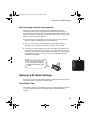
5
48
Press
STOP
COPY CUT-OFF
1=YES, 2=NO
The display briefly shows
your selection, then:
NUMBER OF RING
to return to the date and time display.