1
all-FO4700.book
Page 58 Friday, October 8, 1999
11:10 AM
Sending a Fax by Automatic Dialling
5
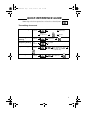
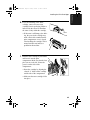
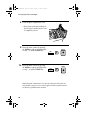
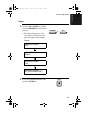
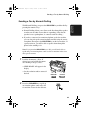
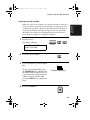
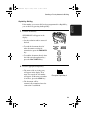
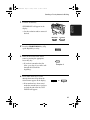
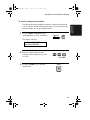
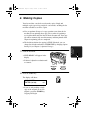
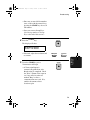
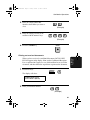
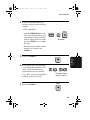
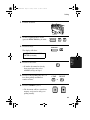
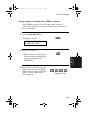
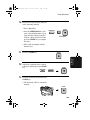
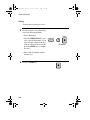
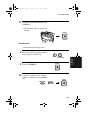
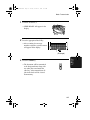
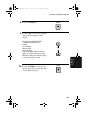
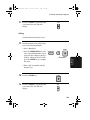
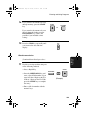
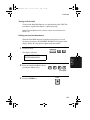
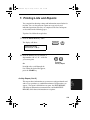
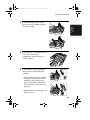
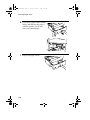
Press the START key. The document
will be automatically transmitted
once the connection is established.
START
Chain Dialling
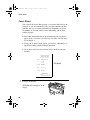
An auto-dial number set for Chain Dialling can be combined with
another auto-dial number or digits entered manually with the numeric
keys to dial one phone number up to 50 digits long. The following are
some examples of how this can be done:
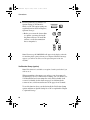
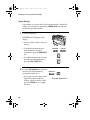
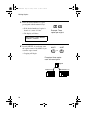
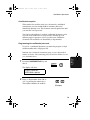
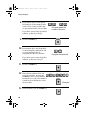
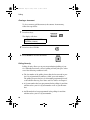
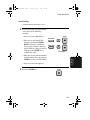
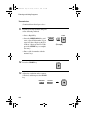
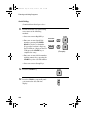
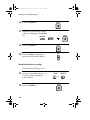
♦ Press appropriate Rapid Keys in the proper order. For example,
press Rapid Key 01 (set for Chain Dialling), then Rapid Key 02 (not
set for Chain Dialling).
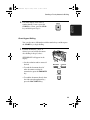
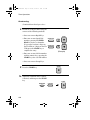
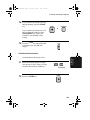
♦ Press a Rapid Key (set for Chain Dialling) and then manually enter
a number by pressing appropriate numeric keys. Press the START
key after the final numeric key to begin transmission.
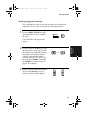
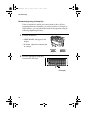
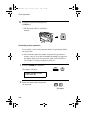
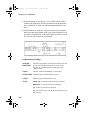
Checking the telephone line status
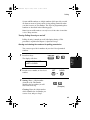
The display normally shows the date and time and prompts related to
operations you are performing. To check and see what number the fax
machine is currently calling or transmitting to, or what number the fax
machine is currently receiving a document from (if this information is
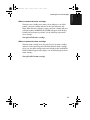
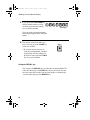
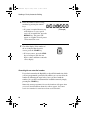
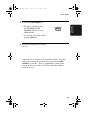
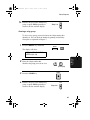
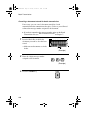
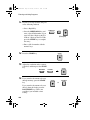
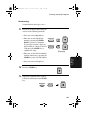
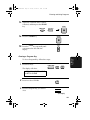
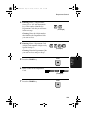
available), press the CHANGEOVER key. Information on the
current call will appear in the display. To switch back to the date and
time display, press the CHANGEOVER key again.
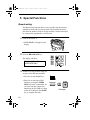
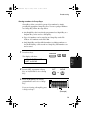
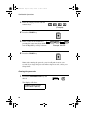
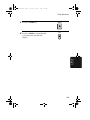
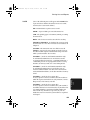
To cancel a fax transmission or reception
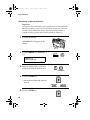
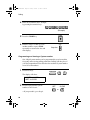
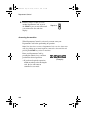
To cancel a fax transmission or reception which is currently in
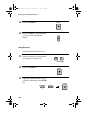
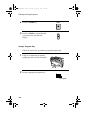
progress, press the CHANGEOVER key so that the status of the
transmission or reception appears in the display, and then press the
STOP key.
58