1
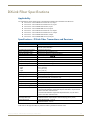
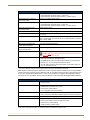
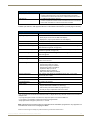
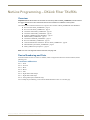
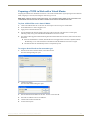
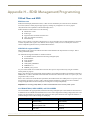
Overview DXLink Fiber
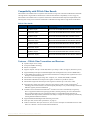
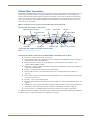
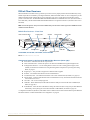
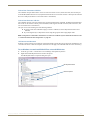
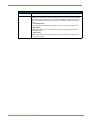
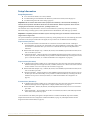
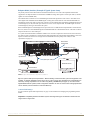
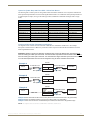
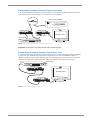
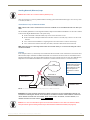
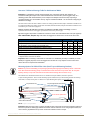
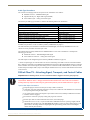
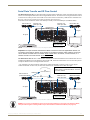
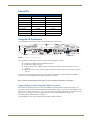
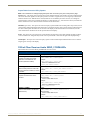
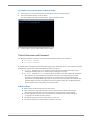
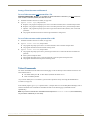
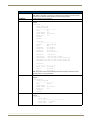
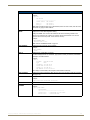
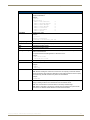
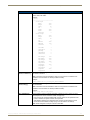
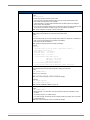
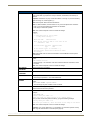
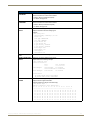
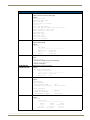
LEDs – DXLink Fiber Transmitters
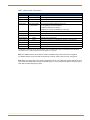
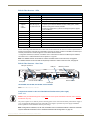
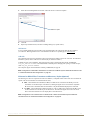
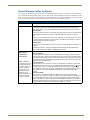
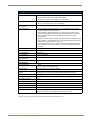
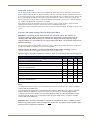
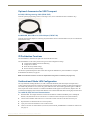
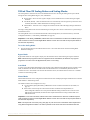
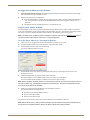
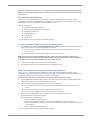
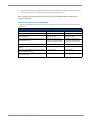
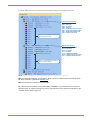
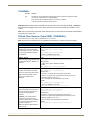
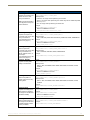
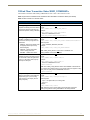
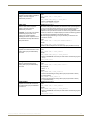
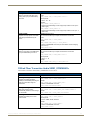
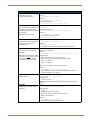
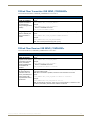
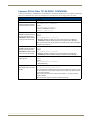
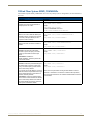
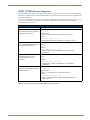
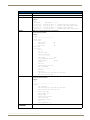
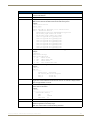
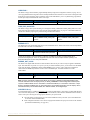
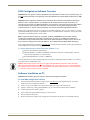
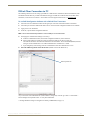
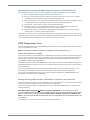
DXLink Fiber TXs – Indicator LEDs on the Front
LED
Power
Normal Display
Green
Indicates
Power is applied to the unit
Digital Video
Green
A digital video signal is present through the unit
Audio (Digital)
Green
Embedded audio signal is present through the unit
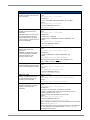
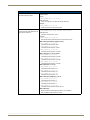
Analog Video
One of the 3 LEDs
will be Green
The type of analog video present through the unit:
• C (composite) or Y/C (two component)
• Y/PB/PR or RGB (three component)
• RGBHV (five component) or RGBS (four component)
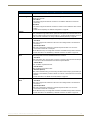
IR TX*
Red
IR TX active communication
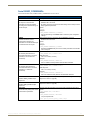
IR RX*
Yellow
IR RX active communication
232 (Serial) TX*
Red
232 (Serial) RX*
Yellow
Serial RX active communication
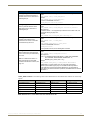
NetLinx Link/Act*
Green
Active LAN connection to an AMX Network (blinking = #3 Toggle OFF)
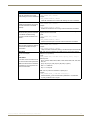
NetLinx Status*
Green
LAN connection is active
CEC
OFF
USB*
Yellow
Serial TX active communication
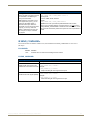
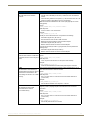
CEC is not currently supported
USB is connected and enabled (for details, see page 26)
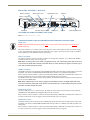
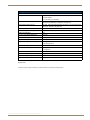
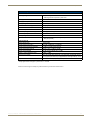
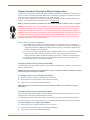
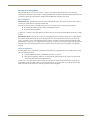
* Configuration of Ethernet, IR, RS-232, and USB for units in Unidirectional or Data Link-lost Mode requires additional
information found in “Unidirectional Mode LAN Configuration” on page 60.
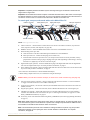
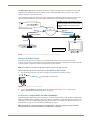
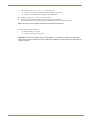
Note: For detailed behavior of the NetLinx Link/Act and Status LEDs on the unit’s front, see page 63.
For detailed behavior of the ICS LAN 10/100 (RJ-45) connector LEDs on the unit’s rear, see page 50.
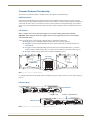
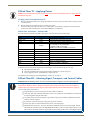
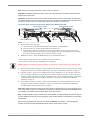
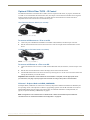
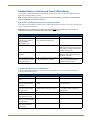
Note: When an analog video source cable is plugged into the TX, one of the Analog Video LEDs on the front
of the TX and the Video LED on the RX (connected directly or via the switcher) turn green to show the type of
video that is present through the system.
Instruction Manual – DXLink Fiber Transmitters and Receivers
20