1
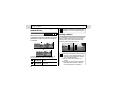
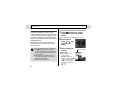
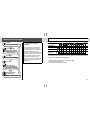
Shooting – The Basics
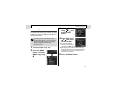
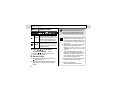
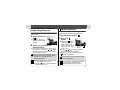
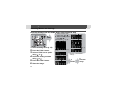
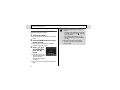
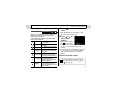
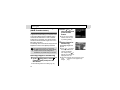
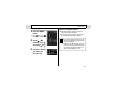
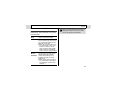
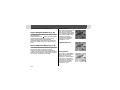
Selecting
1
2
,
,
or
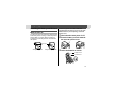
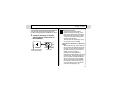
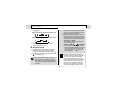
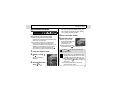
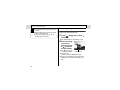
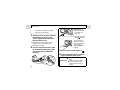
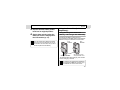
Set the mode switch to
press the
button.
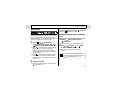
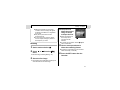
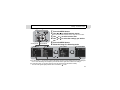
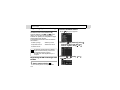
Selecting
and
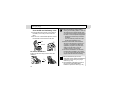
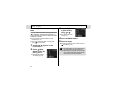
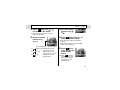
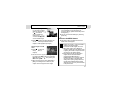
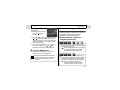
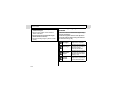
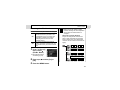
Select the shooting
mode using or
, and press the
button.
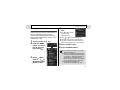
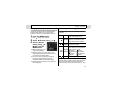
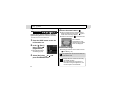
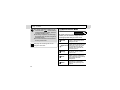
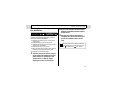
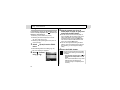
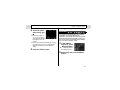
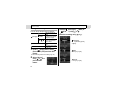
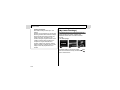
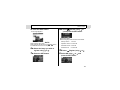
Selecting SCN
1
2
36
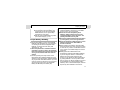
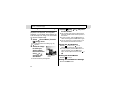
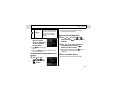
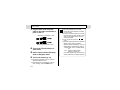
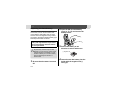
Set the mode switch to SCN and
press the
button.
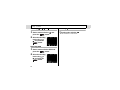
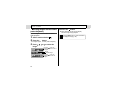
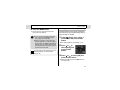
Select the shooting
mode using or
, and press the
button.
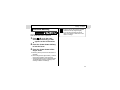
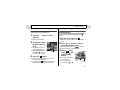
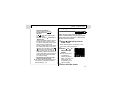
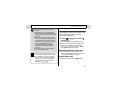
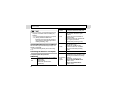
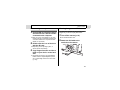
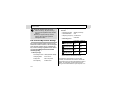
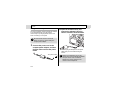
1
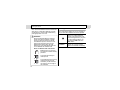
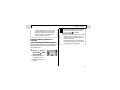
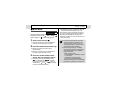
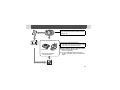
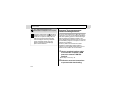
Set the mode switch to
z This will switch to movie mode.
.