1
Basic Functions
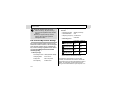
Power Saving Function
This camera is equipped with a power saving
function. Depending on the power saving setting
(p. 69), the camera may power down or the LCD
monitor may go off automatically.
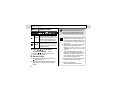
zAuto Power Down
[On]
Shooting mode:
Powers down approximately 3 minutes after the
last time a camera control is accessed.
Playback mode:
Powers down approximately 5 minutes after the
last time a control is accessed on the camera.
Printer Connection mode:
Powers down approximately 5 minutes after the
last time a control is accessed on the camera or
something is printed on the printer.
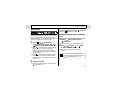
When the Auto Power Down Function Activates
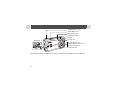
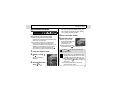
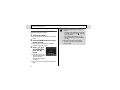
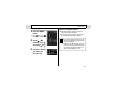
Press the ON/OFF button again.
[Off]
The power saving function does not activate.
24
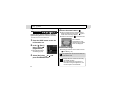
zDisplay Off
The LCD monitor automatically shuts off
approximately 1 minute* after the last time a
camera control is accessed.
* This time can be changed (p. 69).
When the Display Off Function Activates
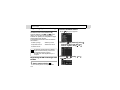
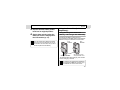
The LCD monitor display turns back on if any
button other than the ON/OFF button is pressed.
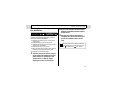
The power saving function is disabled
during Auto Play or during a computer
connection (p. 85, 95).