1
Shooting – Advanced Functions
Shooting Problem Subjects for
the Autofocus
Shooting Mode
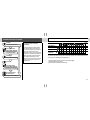
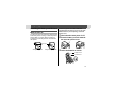
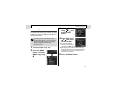
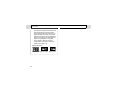
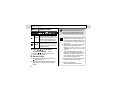
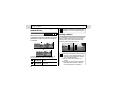
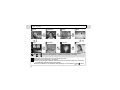
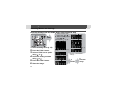
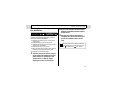
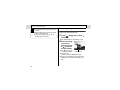
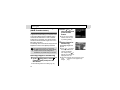
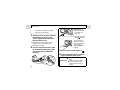
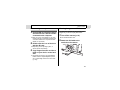
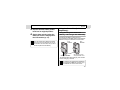
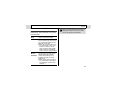
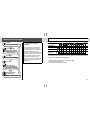
The following types of subjects may not be
suited to autofocus photography. Use the
focus lock in these situations.
z Subjects with extremely low contrast to the
surroundings
z Subjects mixing close and far objects
z Subjects with extremely bright objects at the
center of the composition
z Subjects that are moving quickly
z When shooting through glass, get as close as
possible to avoid reflection off the glass.
z Subjects with horizontal stripes
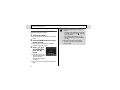
1
2
3
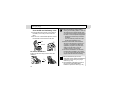
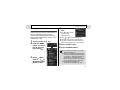
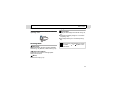
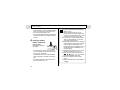
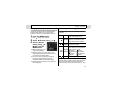
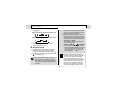
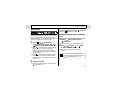
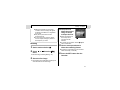
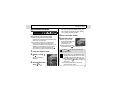
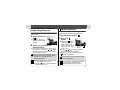
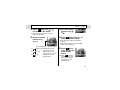
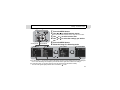
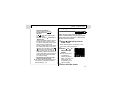
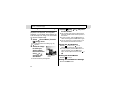
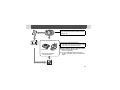
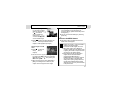
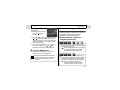
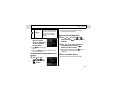
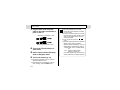
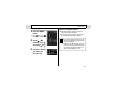
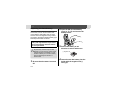
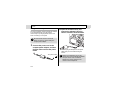
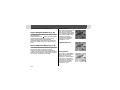
Press and hold the shutter button
halfway, and wait until the camera
beeps twice.
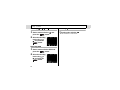
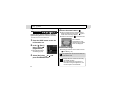
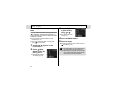
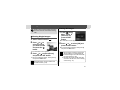
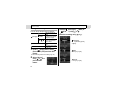
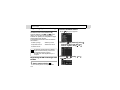
Re-aim the camera direction to
compose the shot as desired and
press the shutter button all the
way.
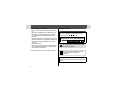
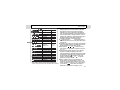
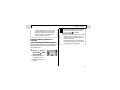
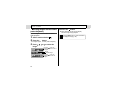
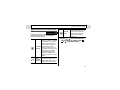
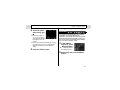
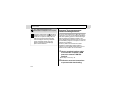
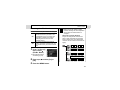
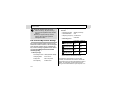
When using focus lock, the focus will lock
on the subject in the center AF frame if you
set
to [Off] in the [
(Rec.)] menu.
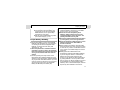
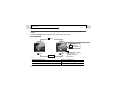
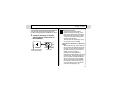
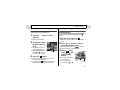
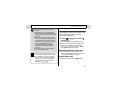
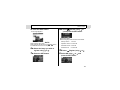
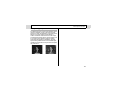
Aim the camera so that a subject
at the same focal distance as the
main subject is centered in the
viewfinder or in the AF frame
displayed on the LCD monitor.
73