1
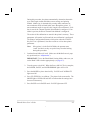
Note:
If only one pair of lights is flickering, it indicates that the
adjustment was not successful. Go back to step 1 and start
over.
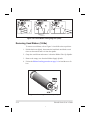
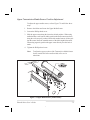
8. Open the printhead.
9. Pull the media out of the printer until a label is positioned under the
printhead. Move the ribbon back to its normal position.
Note:
Be sure that label is positioned between the upper and lower
Media Sensors.
10. Close the printhead.
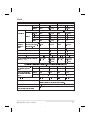
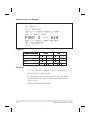
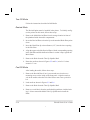
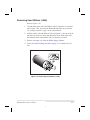
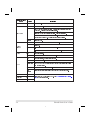
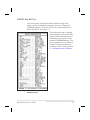
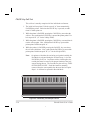
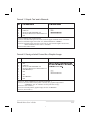
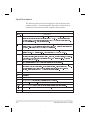
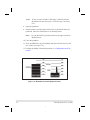
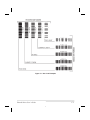
11. Press the MODE key to print a Media and Sensor Profile and save the
new values (see Figure 7.4.).
12. Perform the Media Calibration procedure in “Configuration and Calibration.”
Figure 7.4 Media Sensor Profile Sample Printout
7-6
Zebra S-Series User’s Guide
74