1
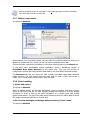
Since the disk space is not pre-allocated, the physical disk on which the virtual disk will
run is expected to have sufficient space for the virtual disk to grow.
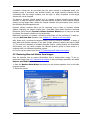
6. Click Proceed in the summary window.
9.4 Consolidating backups
The file name-based consolidation allows deleting the backups that you do not need any
more from any archive while keeping the archive consistency. In either case, you can
delete from an archive, if need be, the base full backup. The program will create another
full backup in place of the oldest remaining backup. The difference is as follows:
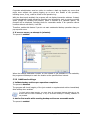
To consolidate backups in the archive:
1. Start the Backup Consolidation Wizard by selecting Tools -> Consolidate
archive in the main program menu.
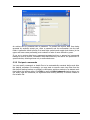
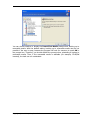
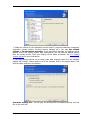
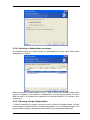
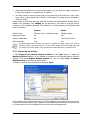
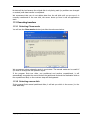
2. Select the archive from the drives tree.
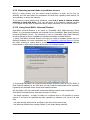
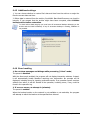
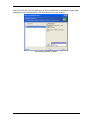
An archive MyBackup consisting of one full (MyBackup) and four incremental backups
(MyBackup2-5) is selected
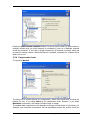
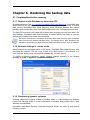
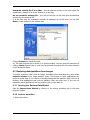
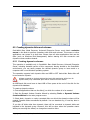
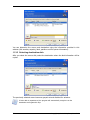
3. The program displays a list of backups belonging to the selected archive with the
backup creation date and time. The list is similar to that in the restore wizard. The upper
backup is the full backup; the rest are incremental backups. Select the backups you want
to keep.
Editing images, mounted in R/W mode, results in creating incremental backups that are a
kind of offshoots of the incremental chain. Therefore, they cannot be consolidated and
always will be excluded from the archive copy.
Copyright © SonicWALL, Inc., 2000-2008
65