1
DS-2000D(GB)
0.8.28 5:6 PM
˘
` 21
PLAY DISCS IN VARIOUS WAYS (Continued)
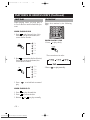
SELECT ANGLES
Some discs have images with different screen angles, you may select among them. For
example,when you watch a running train, you may select to watch it from the front, the
left window or the right window without stopping it.
Example:
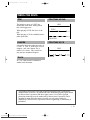
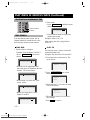
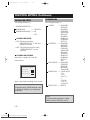
A DVD has four screen angles at your option.
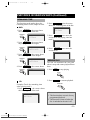
1. Press
to select ANGLE1.
SCREEN
1/4
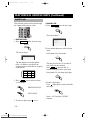
2. Press
to select other angles , the screen shows respectively:
2/4 (select ANGLE2)
3/4 (select ANGLE3)
4/4 (select ANGLE4)
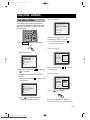
3. Resume normal playback. Press
until there is no display on the screen.
• 21 •
Downloaded From Disc-Player.com Daewoo Manuals