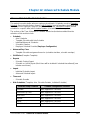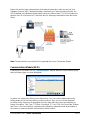
1
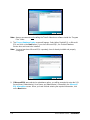
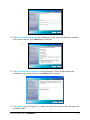
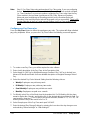
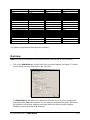
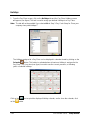
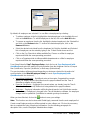
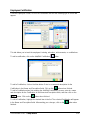
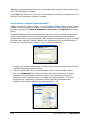
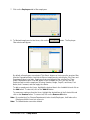
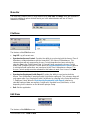
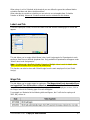
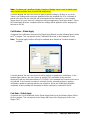
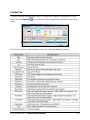
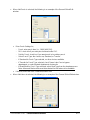
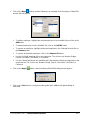
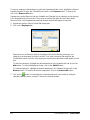
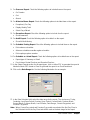
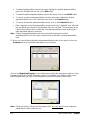
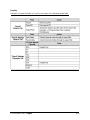
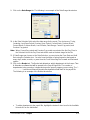
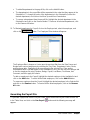
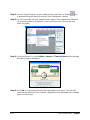
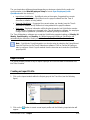
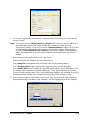
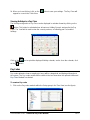
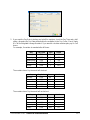
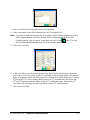
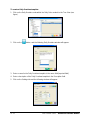
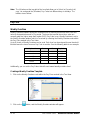
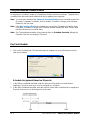
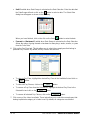
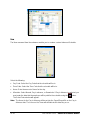
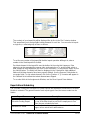
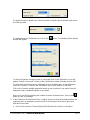
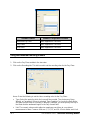
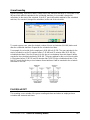
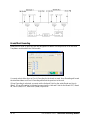
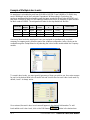
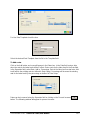
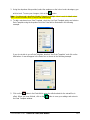
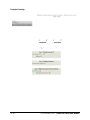
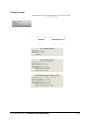
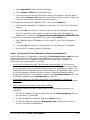
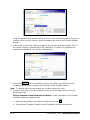
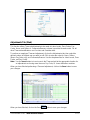
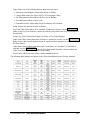
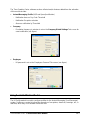
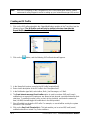
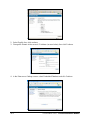
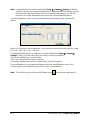
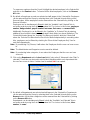
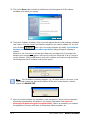
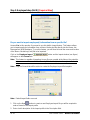
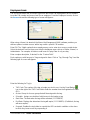
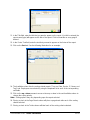
To remove employees that belong to a particular Department/Labor Level, highlight the desired
Department/Labor Level in the Selected list and click on the Remove button. To remove all,
click on the Remove All button.
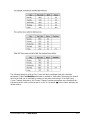
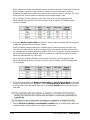
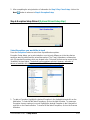
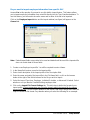
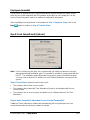
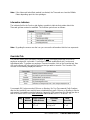
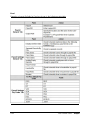
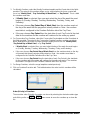
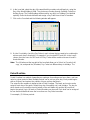
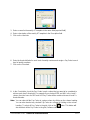
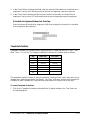
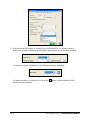
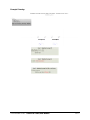
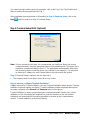
Departments can be filtered in both the Available and Selected lists by selecting a sort category
in the dropdown list in the sort field. Then enter secondary filter data into the Criteria fields
above each list. Only Departments matching the data entered will appear in both lists.
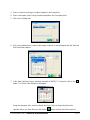
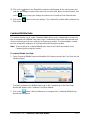
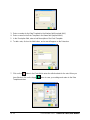
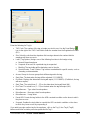
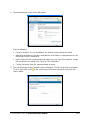
5. Repeat the previous Step to further filter employees.
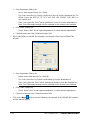
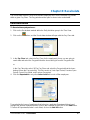
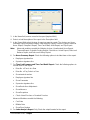
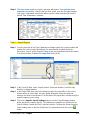
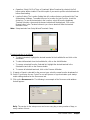
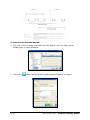
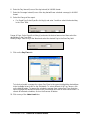
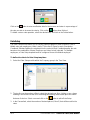
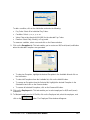
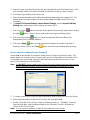
6. Click on the Employee tab.
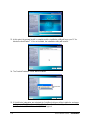
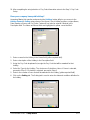
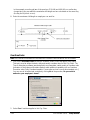
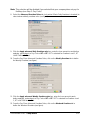
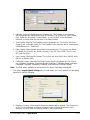
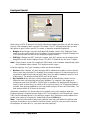
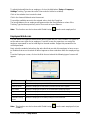
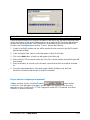
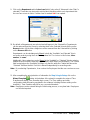
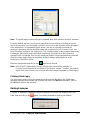
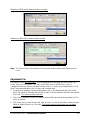
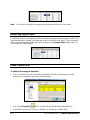
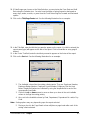
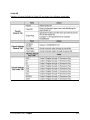
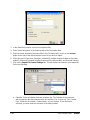
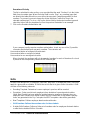
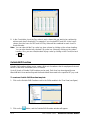
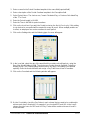
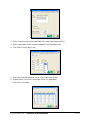
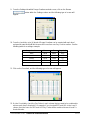
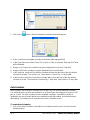
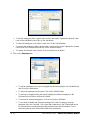
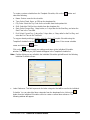
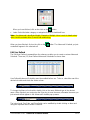
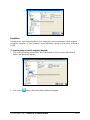
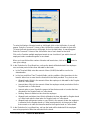
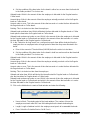
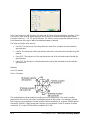
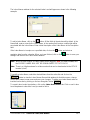
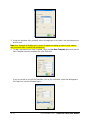
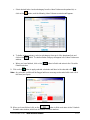
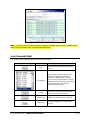
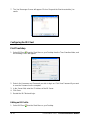
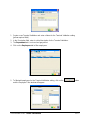
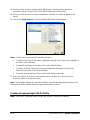
Employees can be filtered in both the Available and Selected lists by selecting a sort
category in the dropdown list in the sort field. Then enter secondary filter data into the
Criteria fields above each list. Only employees matching the data entered will appear in both
lists.
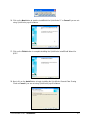
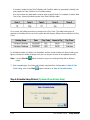
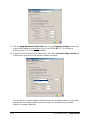
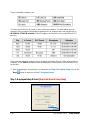
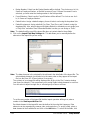
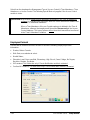
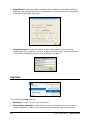
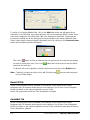
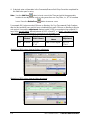
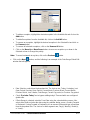
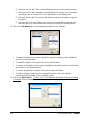
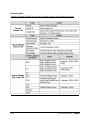
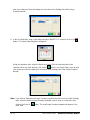
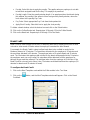
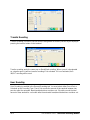
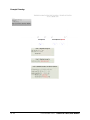
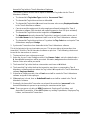
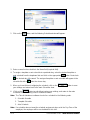
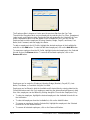
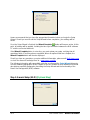
To select an employee, highlight the desired employee in the Available list and click on the
Add button. To select all employees listed, click on the Add All button.
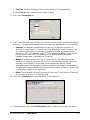
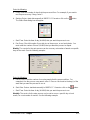
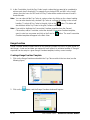
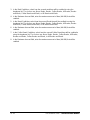
To remove employees, highlight the desired employee in the Selected list and click on the
Remove button. To remove all selected employees, click on the Remove All button.
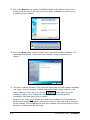
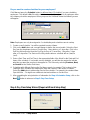
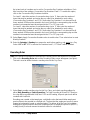
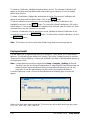
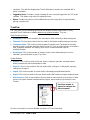
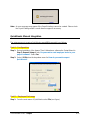
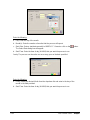
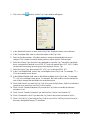
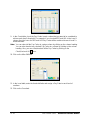
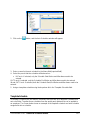
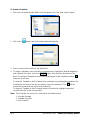
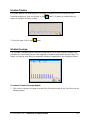
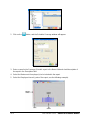
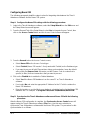
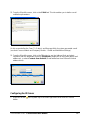
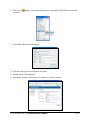
7. Click on the
button to recalculate the selected employees hours and exit. Verify the
selected employee hours using the Timecard or Reports module.
8-2
Time Guardian Series – Recalculate