1
18
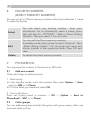
Advanced:
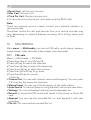
Use number: Extract the number and then dial or save to phone book.
Use URL: Use the URL in the message.
Use USSD: Can use the USSD.
Copy to phone: Copy the message to the phone.
Move to phone: Move the message to the phone.
Copy all: Copy all messages to the phone or to the SIM.
Move all: Move all messages to the phone or to the SIM.
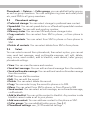
10.6 Delete messages
You can choose to delete all messages in the following folders: inbox,
draft, outbox, sent messages, all messages.
10.7
MMS
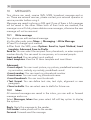
10.7.1 Write message
In the idle, select Menu -> Messages -> MMS -> Write message, the
MMS editor screen appear.
•To: To edit the phone number or e-mail address of the recipient.
•Cc: To add the phone number or e-mail address of the CC recipient.
•Bcc: To add the phone number or e-mail address of the BCC recipient.
•Subject: to enter or edit the subject of the MMS.
•Edit content: To edit the content, you can edit text, add image/audio/
attachment/slide, preview and slide time.
10.7.2 Inbox
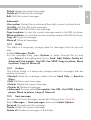
All received MMS are saved in the inbox, you can edit or forward MMS
and so on.
and
icons indicate whether a MMS has been read or is still unread.
Icon indicates when an MMS is in an illegible message format.
10.7.3 Outbox
The outbox folder is a temporary storage place for MMS that have been
sent.
10.7.4 Drafts
The drafts folder is a temporary storage place for MMS that are waiting
to be sent.