1
Chapter 5: Virtual Media
CD-ROM/DVD-ROM/ISO Images
This option mounts CD-ROM, DVD-ROM, and ISO images.
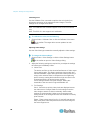
Note: ISO9660 format is the standard supported by Raritan. However,
other CD-ROM extensions may also work.
To access a CD-ROM, DVD-ROM, or ISO image:
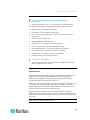
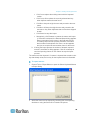
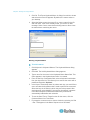
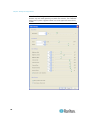
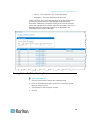
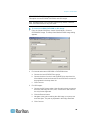
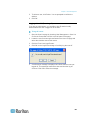
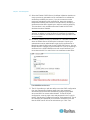
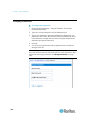
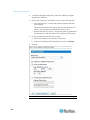
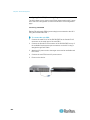
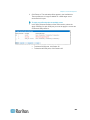
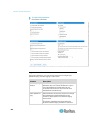
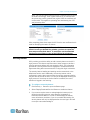
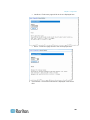
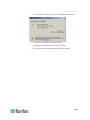
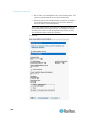
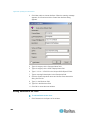
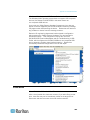
1. From the Virtual KVM Client, choose Virtual Media > Connect
CD-ROM/ISO Image. The Map Virtual Media CD/ISO Image dialog
appears.
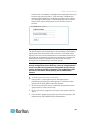
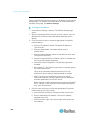
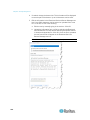
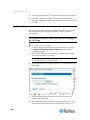
2. For internal and external CD-ROM or DVD-ROM drives:
a. Choose the Local CD/DVD Drive option.
b. Choose the drive from the Local CD/DVD Drive drop-down list.
All available internal and external CD and DVD drive names will
be populated in the drop-down list.
c.
Click Connect.
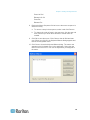
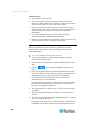
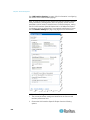
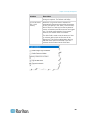
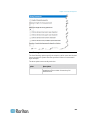
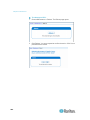
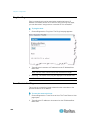
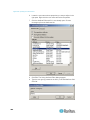
3. For ISO images:
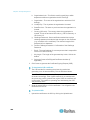
a. Choose the ISO Image option. Use this option when you want to
access a disk image of a CD, DVD, or hard drive. ISO format is
the only format supported.
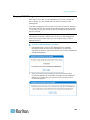
b. Click the Browse button.
c.
Navigate to the path containing the disk image you want to use
and click Open. The path is populated in the Image Path field.
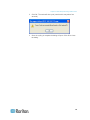
d. Click Connect.
99