1
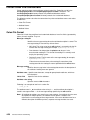
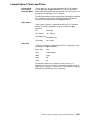
Lexmark Optra C Color LaserPrinter
Printing Color
Files in PCL 5
Emulation Mode
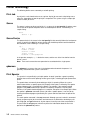
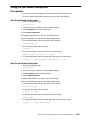
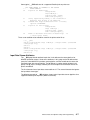
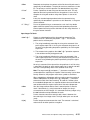
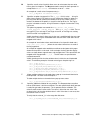
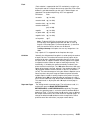
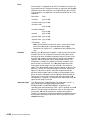
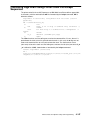
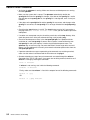
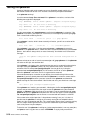
To print color files, or any preformatted print job in PCL language,
use the –dp flag of the qprt command. This sets the AIX printer
backend to passthrough mode and should be used any time you are
printing from an application in PCL emulation.
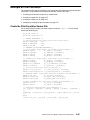
The print queue default can be changed to passthrough by modifying
the _d attribute in the colon file. See AIX Commands Reference,
Volume 3 for information about the lsvirprt command.
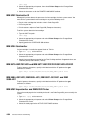
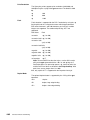
Paper Source
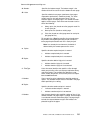
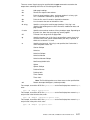
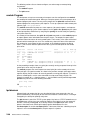
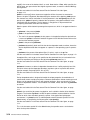
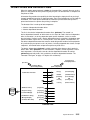
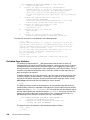
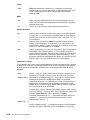
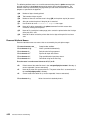
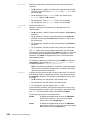
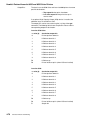
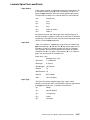
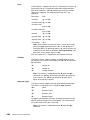
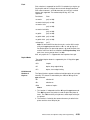
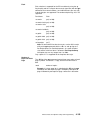
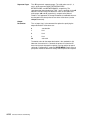
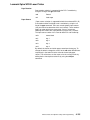
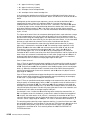
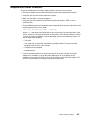
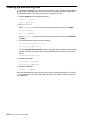
Paper source selection is supported for both the PCL 5 emulation
and the PostScript Language by using the –u flag of the qprt
command.
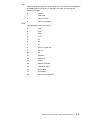
PCL
PostScript
–u 1 Top tray
–u 1 Top tray
–u 2 Bottom tray
–u 2 Bottom tray
–u 3 feeder
–u 3 feeder
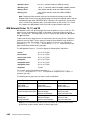
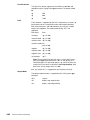
Paper Size
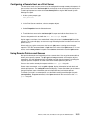
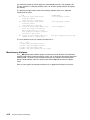
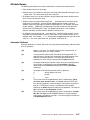
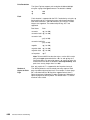
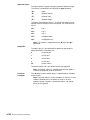
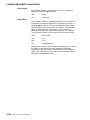
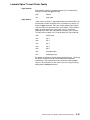
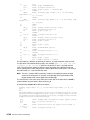
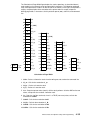
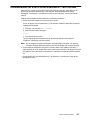
Paper size selection is supported for the PCL 5 emulation by using
the –Q flag of the qprt command.
Paper Sizes
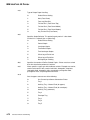
Size
–Q 1
Letter (default)
–Q 2
Legal
–Q 3
B5
–Q 4
A4
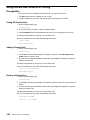
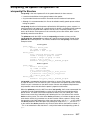
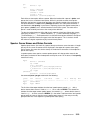
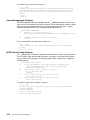
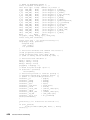
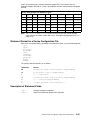
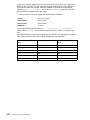
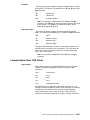
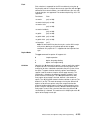
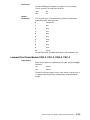
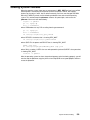
To change the default size, change the values for the s1–s3
attributes in the file. For example, to make A4 the default size for all
paper sources, change s1, s2, and s3 to 4. This changes the top tray,
bottom tray, and feeder tray sizes respectively.
Printer, Plotter, and Spooler Subsystem Programming
4-93