1
5
Shooting your first video
Before shooting your first video, ensure you have read “1
Introducing the Camera”, “2 Getting Started”, and “3 Using the
Camera” carefully.
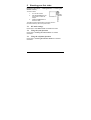
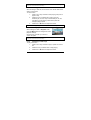
To shoot a video:
1.
Turn on the camera.
2.
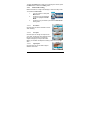
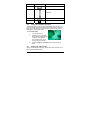
Use the focus area on the
LCD screen to frame the
subject.
3.
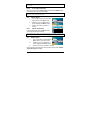
Press the Video button to
shoot the video.
Video
button
The video clip will be saved either on the SD card or in
the internal memory with a unique file name.
5.1
DV mode settings
Please refer to”3.4.1 Video mode” for detailed information.
5.2
Using the zoom function
Please refer to”4.5 Using the zoom function” for detailed
information.
5.3
Using the self-timer function
Please refer to “4.2 Using the self-timer function” for detailed
information.
20