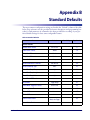
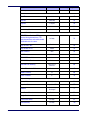
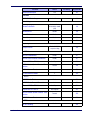
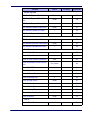
1
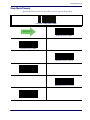
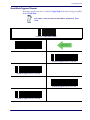
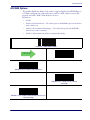
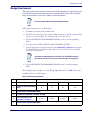
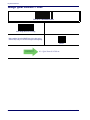
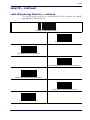
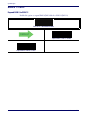
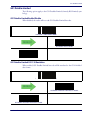
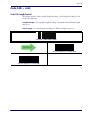
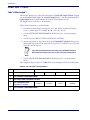
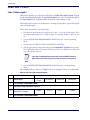
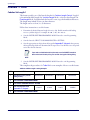
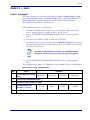
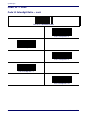
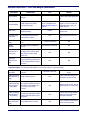
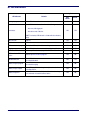
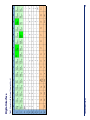
Code 11
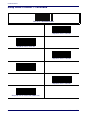
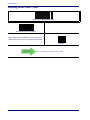
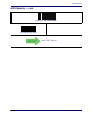
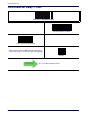
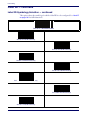
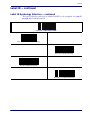
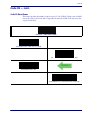
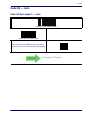
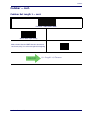
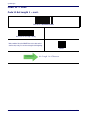
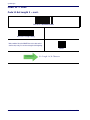
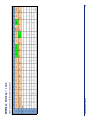
Code 11 — cont.
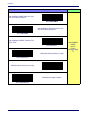
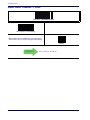
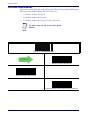
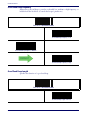
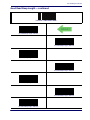
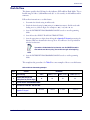
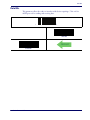
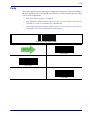
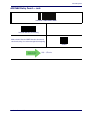
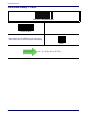
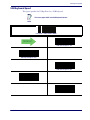
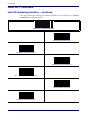
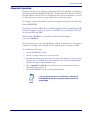
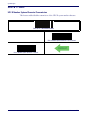
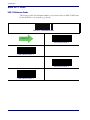
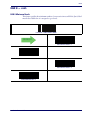
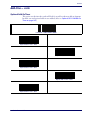
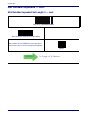
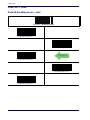
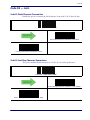
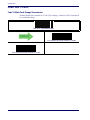
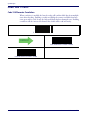
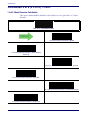
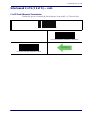
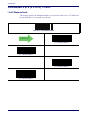
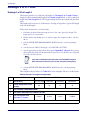
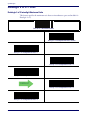
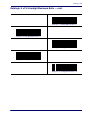
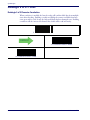
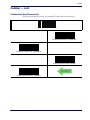
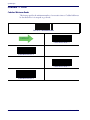
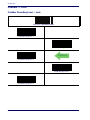
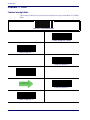
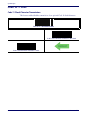
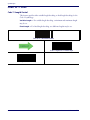
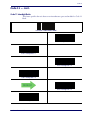
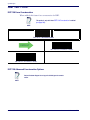
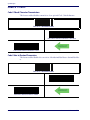
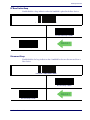
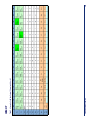
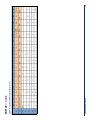
Code 11 Character Correlation
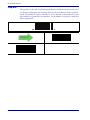
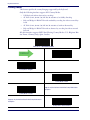
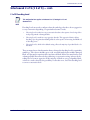
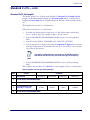
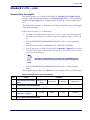
When correlation is enabled, the barcode reader will combine label data from multiple
scans when decoding. Enabling correlation will help the scanner read labels that have
some spots and/or voids. It may also help read labels that have damaged areas. Enabling
correlation will also increase the chances that a label will be read incorrectly.
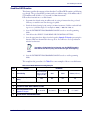
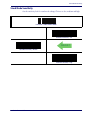
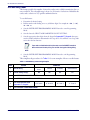
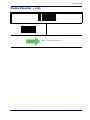
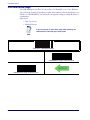
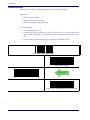
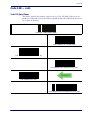
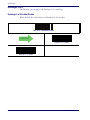
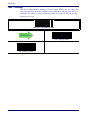
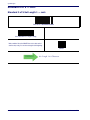
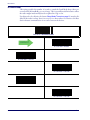
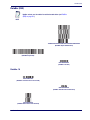
ENTER/EXIT PROGRAMMING MODE
DEFAULT
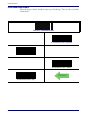
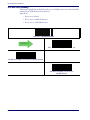
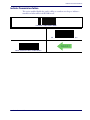
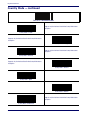
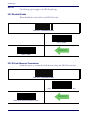
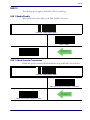
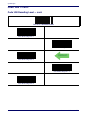
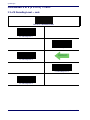
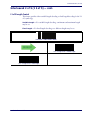
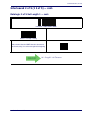
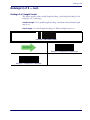
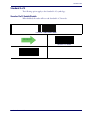
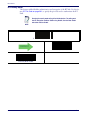
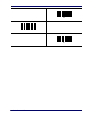
Code 11 Character Correlation = Disable
Code 11 Character Correlation = Enable
Product Reference Guide
249