1
Appendix F
Scancode Tables
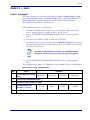
Control Character Emulation
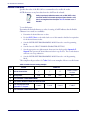
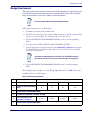
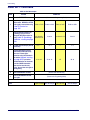
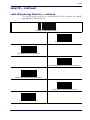
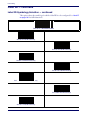
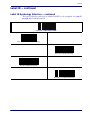
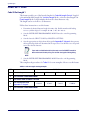
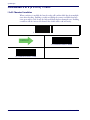
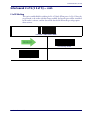
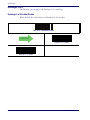
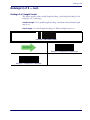
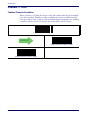
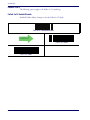
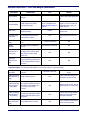
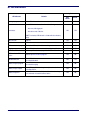
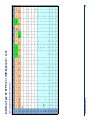
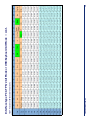
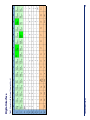
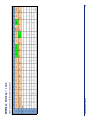
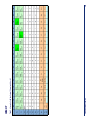
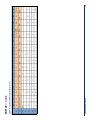
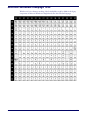
Control character emulation selects from different scancode tables as listed in this appendix.
Each of the control character sets below are detailed by interface type in the tables. These apply
to Wedge and USB Keyboard platforms.
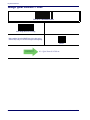
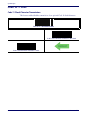
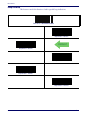
Control Character 00 . Characters from 00 to 0x1F are sent as control character Ctrl+Keys,
special keys are located from 0x80 to 0xA1.
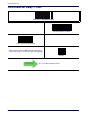
Control Character 01 . Characters from 00 to 0x1F are sent as control character Ctrl+Capital
Key, special keys are located from 0x80 to 0xA1.
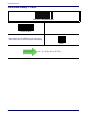
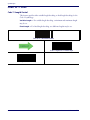
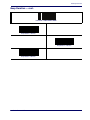
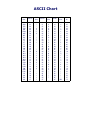
Control Character 02 . Special keys are located from 00 to 0x1F and characters from 0x80 to
0xFE are intended as an extended ASCII table (Microsoft Windows Codepage 1252 on
page 338)
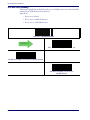
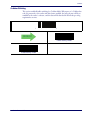
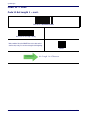
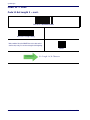
Single Press and Release Keys
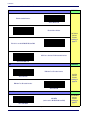
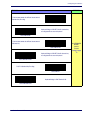
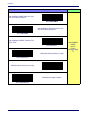
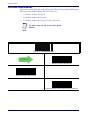
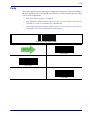
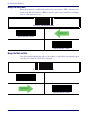
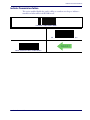
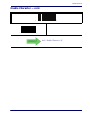
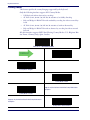
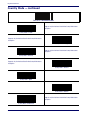
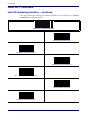
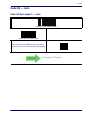
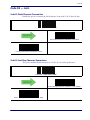
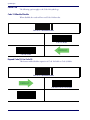
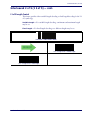
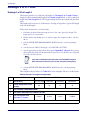
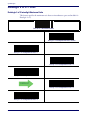
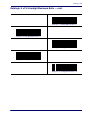
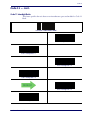
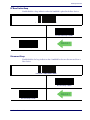
In the following tables, Ar↓ means Alt right pressed and Ar↑ means Alt right released and so on.
Definitions for other keys are Al (Alt left ), Cr (Control Right ) Cl (Control Left ) Sh (shift).
This method can be used for combining Alt, Control or Shift with other keys.
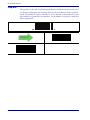
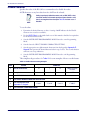
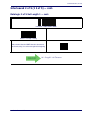
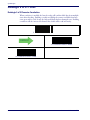
Example: Consider a Control character set to 00. If AltRight+A is required before sending a
label to the host, it could be done by setting three Prefix keys in this way: 0x99 0x41 0x9A.
Product Reference Guide
327