1
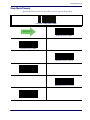
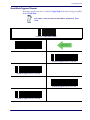
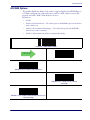
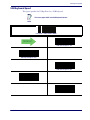
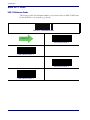
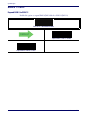
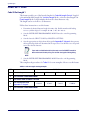
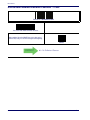
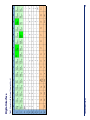
Code 128
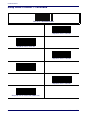
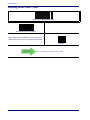
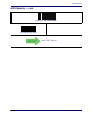
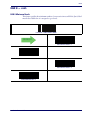
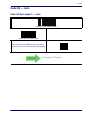
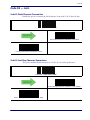
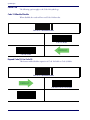
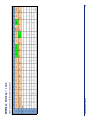
Code 128 — cont.
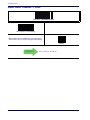
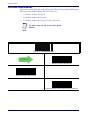
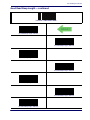
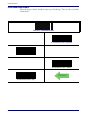
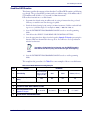
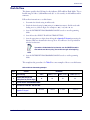
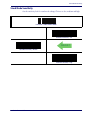
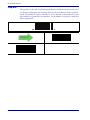
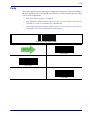
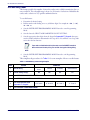
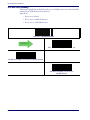
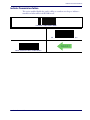
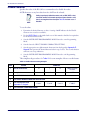
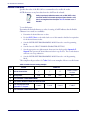
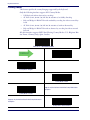
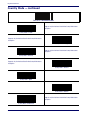
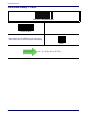
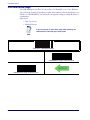
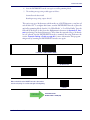
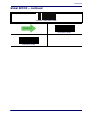
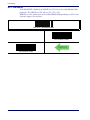
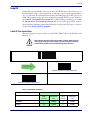
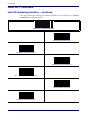
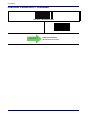
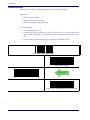
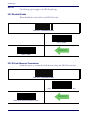
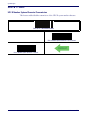
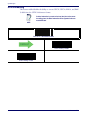
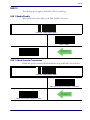
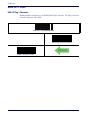
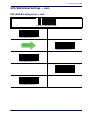
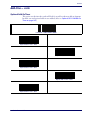
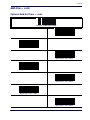
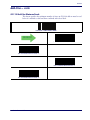
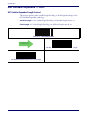
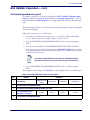
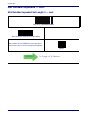
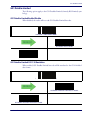
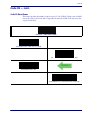
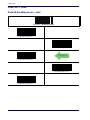
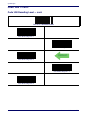
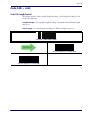
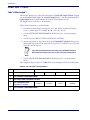
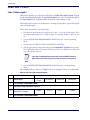
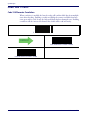
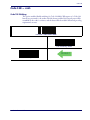
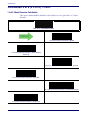
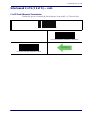
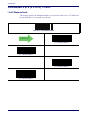
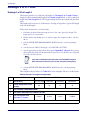
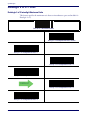
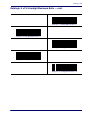
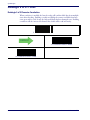
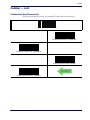
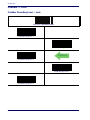
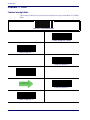
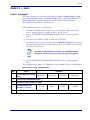
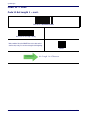
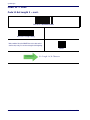
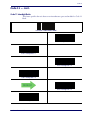
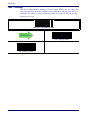
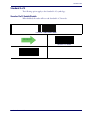
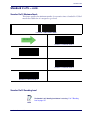
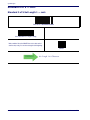
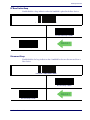
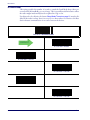
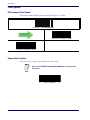
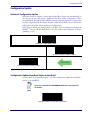
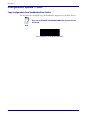
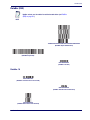
Code 128 Decoding Level
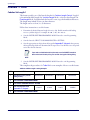
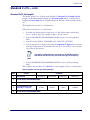
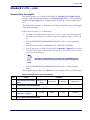
Decoding Levels are used to configure a barcode symbology decoder to be very aggressive
to very conservative depending on a particular customer’s needs.
•
Choosing Level 1 results in a very conservative decoder at the expense of not being able to
read poorly printed or damaged labels.
•
Choosing Level 5 results in a very aggressive decoder. This aggressive behavior allows
decoding of poorly printed and damaged labels at the expense of increasing the likelihood
of decoding errors.
•
Choosing Level 3, which is the default setting, allows the majority of product labels to be
decoded.
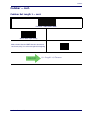
There are many factors that determine when to change the decoding level for a particular
symbology. These factors include spots, voids, non-uniform bar/space widths, damaged
labels, etc. that may be experienced in some barcode labels. If there are many hard to read
or damaged labels that cannot be decoded using a conservative setting, increase the decoding level to be more aggressive. If the majority of labels are very good quality labels,
or there is a need to decrease the possibility of a decoder error, lower the decoding level
to a more conservative level.
Product Reference Guide
183