1
OTHER SETTINGS
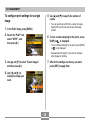
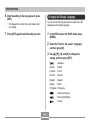
To configure World Time settings
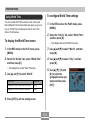
Using World Time
You can use the World Time screen to view a time zone
that is different from the home time zone when you go on a
trip, etc. World Time can display the time in one of 162
cities in 32 time zones.
1. In the REC mode or the PLAY mode, press
[MENU].
2. Select the “Set Up” tab, select “World Time”,
and then press [왘].
To display the World Time screen
• This displays the current World Time zone.
1. In the REC mode or the PLAY mode, press
3. Use [왖] and [왔] to select “World”, and then
[MENU].
press [왘].
2. Select the “Set Up” tab, select “World Time”,
4. Use [왖] and [왔] to select “City”, and then
and then press [왘].
press [왘].
• This displays the current World Time zone.
5. Use [왖], [왔], [왗], and
3. Use [왖] and [왔] to select “World”.
To do this:
Select this:
Display the time in your home time zone
Home
Display the time in a different time zone
World
[왘] to select the
geographical area you
want, and then press
[SET].
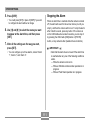
4. Press [SET] to exit the setting screen.
114