1
VCR Setup
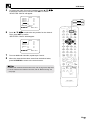
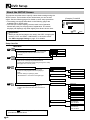
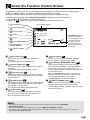
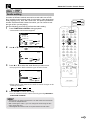
Menu Screen
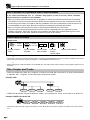
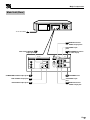
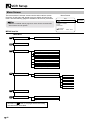
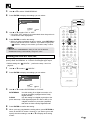
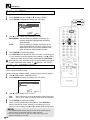
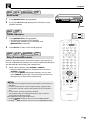
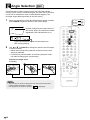
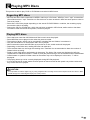
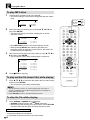
The menu screen is a home screen used to select various screen
functions. A sub-menu will appear once you select an item for the
menu. See the following pages for details on each menu procedure.
• The word “G-CODE” will only appear on menu screen for DV-NC70W
which has the G-CODE system.
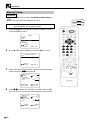
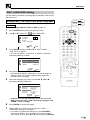
Menu Screen
MENU
G-CODE
TIMER
MODE
CHANNEL PRESET
CLOCK
LANGUAGE
:SELECT
SET:ENTER
MENU:EXIT
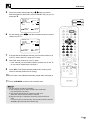
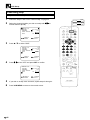
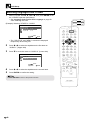
MENU item list
Main Menu
65
G-CODE
68
TIMER
25
MODE
Only for DV-NC70W
COLOUR [AUTO/PAL/MESECAM/NTSC]
NTSC [3.58/4.43/PAL TV]
BLUE BACK [AUTO/OFF]
AUTO RENTAL [ON/OFF]
REPEAT [ON/OFF]
NICAM [AUTO/OFF]
S. PICTURE [ON/OFF]
28
CHANNEL PRESET
AUTO
MANUAL
PRESET CH
SYSTEM
CHANNEL
FINE TUNING
SKIP [ON/OFF]
35
CLOCK
37
LANGUAGE
ENGLISH
• Numbers in
refer to the pages where the setting
procedures are described.
GB
24
Only for
DV-NC70W