1
Setup Utility Menus
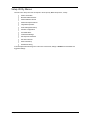
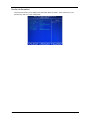
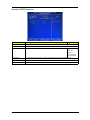
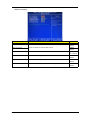
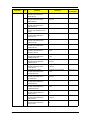
The tabs on the Setup menu bar correspond to the six primary BIOS Setup menus, namely:
T
Product Information
T
Standard CMOS Features
T
Advanced BIOS Features
T
Advanced Chipset Features
T
Integrated Peripherals
T
Power Management Setup
T
PnP/PCI Configurations
T
PC Health Status
T
Load Default Settings
T
Set Supervisor Password
T
Set User Password
T
Save & Exit Setup
T
Exit Without Saving
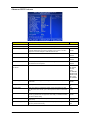
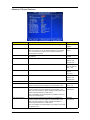
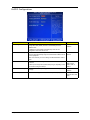
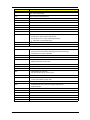
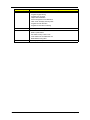
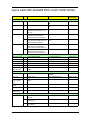
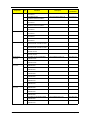
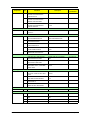
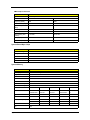
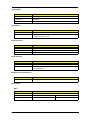
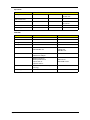
In the descriptive table following each of the menu screenshots, settings in boldface are the default and
suggested settings.
Chapter 2
9