1
310HD, 320HD and 420HD IP Phones
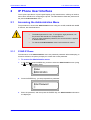
34.1.2 320HD IP Phone
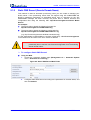
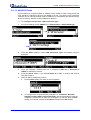
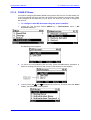
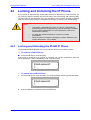
The procedure below describes how to restore the 320HD IP Phone factory defaults using
the phone.
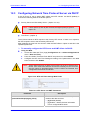
To restore the phone to default settings:
1.
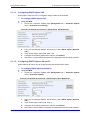
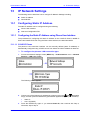
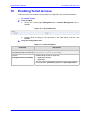
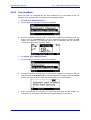
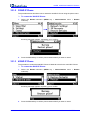
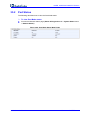
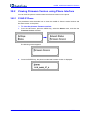
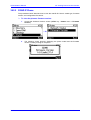
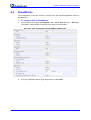
Access the Restore Defaults submenu (MENU key > Administration menu >
Restore Defaults).
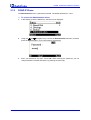
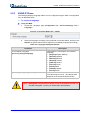
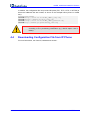
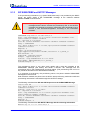
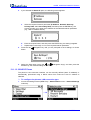
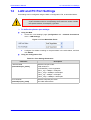
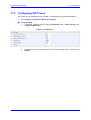
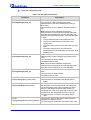
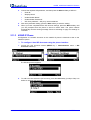
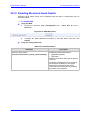
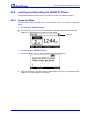
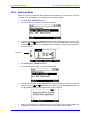
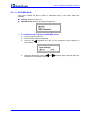
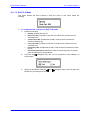
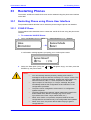
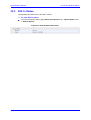
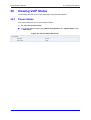
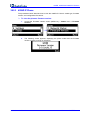
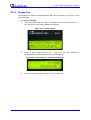
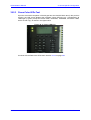
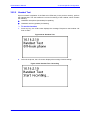
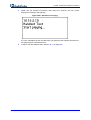
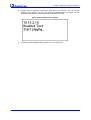
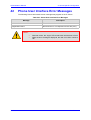
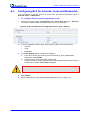
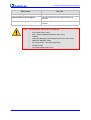
A warning message appears, requesting you to confirm:
2.
Press the Yes softkey to confirm reset to defaults or No if you want to cancel.
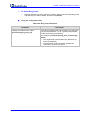
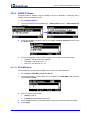
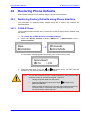
Notes: You can also restore the phone to default settings by using a hard-coded
sequence of keys on the phone's keypad. To do this:
•
Unplug the power cable from the phone.
•
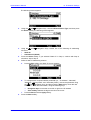
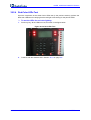
Press the
together.
•
While pressing the above keys, plug the power cable into the phone.
Once the power is connected, keep pressing the keys for five
seconds and then release keys.
and
Navigation keys and the ENTER key all
34.1.3 420HD IP Phone
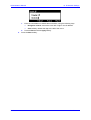
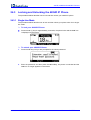
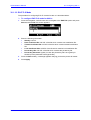
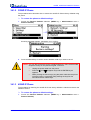
The procedure for restoring the 420HD IP Phone factory defaults is identical to that for the
320HD IP Phone.
To restore the phone to default settings:
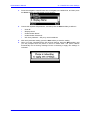
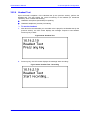
1.
Access the Restore Defaults submenu (MENU key > Administration menu >
Restore Defaults).
Administrator's Manual
214
Document #: LTRT-09910