1
Administrator's Manual
12.2
12. Configuring Date and Time
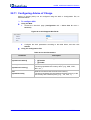
Configuring Network Time Protocol Server
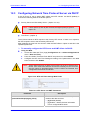
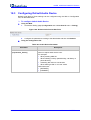
The Network Time Protocol (NTP) server can be configured using the Web or
Configuration File, as described below.
To configure the Network Time Protocol Server:
Using the Web:
1.
2.
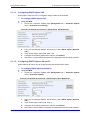
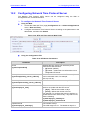
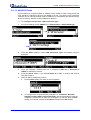
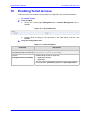
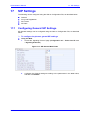
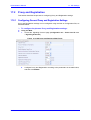
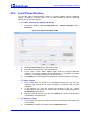
Access the ‘Date and Time’ page (Configuration tab > Advanced Applications
menu > Date and Time).
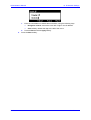
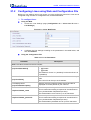
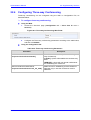
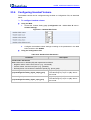
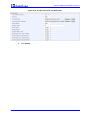
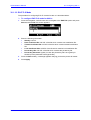
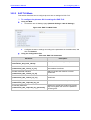
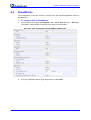
Configure the Network Time Protocol Server according to the parameters in the
table below, and then click Submit.
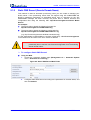
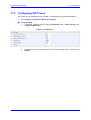
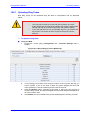
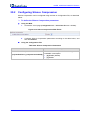
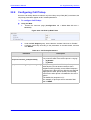
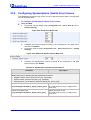
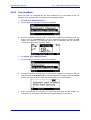
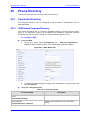
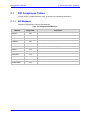
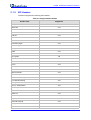
Figure 12-2: NTP and Time Settings Web Fields
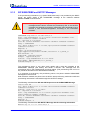
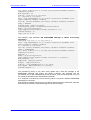
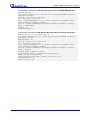
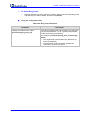
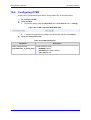
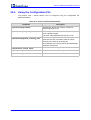
Using the Configuration File:
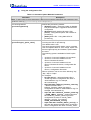
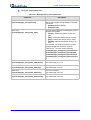
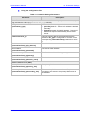
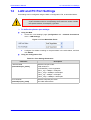
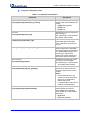
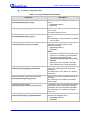
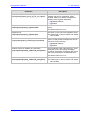
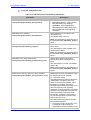
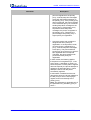
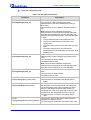
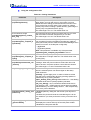
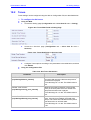
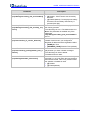
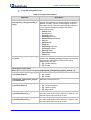
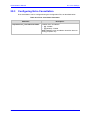
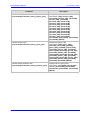
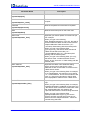
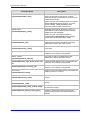
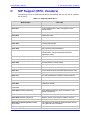
Table 12-2: NTP Server Parameters
Parameter
Description
Active
[system/ntp/enabled]
Enables the NTP server from which the phone
retrieves the date and time.
[0] Disable (default)
[1] Enable – obtains the time information from a
configured NTP server
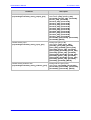
Primary Server
[system/ntp/primary_server_address]
Defines the address of the main NTP server (this
can be a domain name, for example,
tick.nap.com.ar).
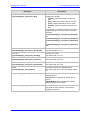
Secondary Server
[system/ntp/secondary_server_address]
Defines the address of the secondary NTP server.
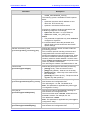
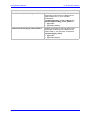
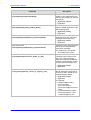
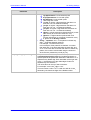
Update Interval
[system/ntp/sync_time]
This sub-section defines how often the phone must
perform an update with the NTP server.
[days] - defines the number of days
[hours] - defines the number of hours
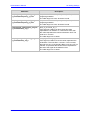
For example: To configure the phone to perform an
update with an NTP server every 1 day and 6 hours,
set the following:
system/ntp/sync_time/days=1
system/ntp/sync_time/hours=6
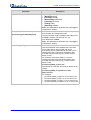
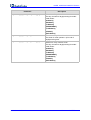
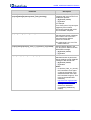
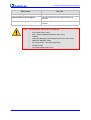
Update Interval
[system/ntp/sync_time/days]
The number of days.
The valid range is 0 to 7. The default of days is 0.
Version 2.0.0
67
October 2012