1
View or Change Thermostat
1.
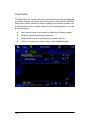
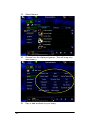
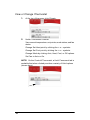
At the top of the page, click Climate.
2.
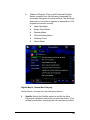
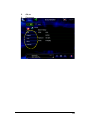
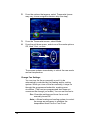
Under Thermostat Controls:
View current temperature, set points, mode status, and fan
status.
Change Set Heat point by clicking the + or - symbols.
Change Set Cool point by clicking the + or - symbols.
Change Mode by clicking Auto, Heat, Cool, or Off options.
Set Fan to Auto or On.
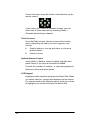
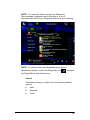
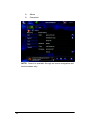
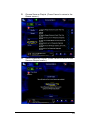
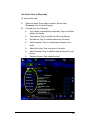
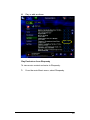
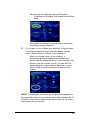
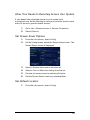
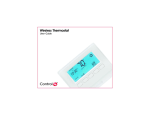
NOTE: On the Control4 Thermostat, a Hold: Permanent tab is
available that when clicked provides a variety of Hold options
(shown here).
96