1
Intermec Fingerprint 6.13 – Programmer's Guide
9. DATA HANDLING, cont'd.
3.
Date and Time, cont'd.
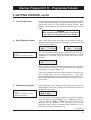
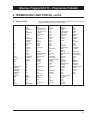
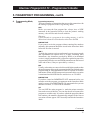
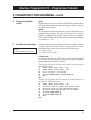
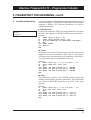
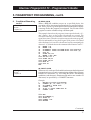
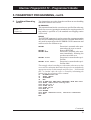
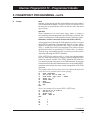
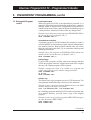
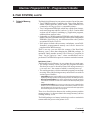
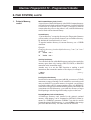
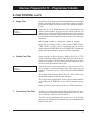
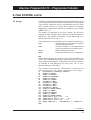
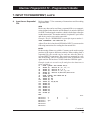
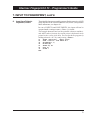
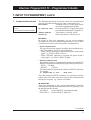
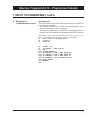
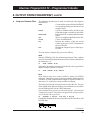
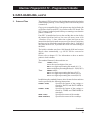
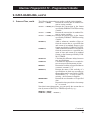
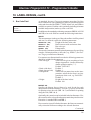
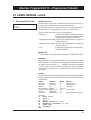
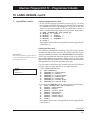
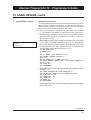
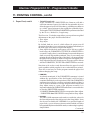
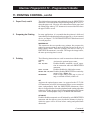
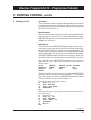
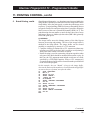
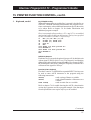
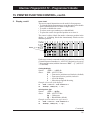
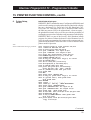
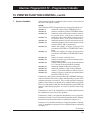
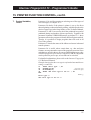
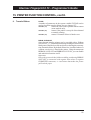
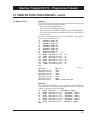
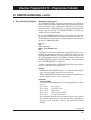
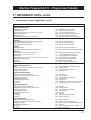
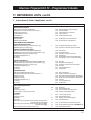
This example shows how the date and time is set in the immediate
mode (not required if the printer has an RTC). The date and time
formats are set and a table of the names of months is created.
Finally, a number of date and time parameters are read and printed
to the standard OUT channel after being provided with some
explanatory text:
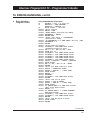
DATE$ = "980609"
TIME$ = "080000"
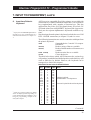
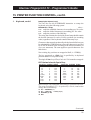
10
20
30
40
50
60
70
80
90
100
110
120
130
140
150
160
170
180
(Setting the date)
(Setting the time)
FORMAT DATE$ "MMM/DD/YYYY"
FORMAT TIME$ "hh.mm pp"
NAME DATE$ 1, "Jan":NAME DATE$ 2, "Feb"
NAME DATE$ 3, "Mar":NAME DATE$ 4, "Apr"
NAME DATE$ 5, "May":NAME DATE$ 6, "Jun"
NAME DATE$ 7, "Jul":NAME DATE$ 8, "Aug"
NAME DATE$ 9, "Sep":NAME DATE$ 10, "Oct"
NAME DATE$ 11, "Nov":NAME DATE$ 12, "Dec"
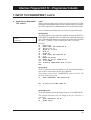
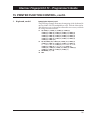
A%=WEEKDAY(DATE$)
PRINT WEEKDAY$(DATE$)+" "+ DATE$("F")+" "
+TIME$("F")
PRINT "Date:",DATE$("F")
PRINT "Time:",TIME$("F")
PRINT "Weekday:", WEEKDAY$(DATE$)
PRINT "Week No.:",WEEKNUMBER (DATE$)
PRINT "Day No.:", DATEDIFF ("950101",DATE$)
PRINT "Run time:", TICKS\6000;" minutes"
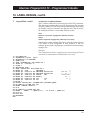
IF A%<6 THEN PRINT "This is ";WEEKDAY$(DATE$);
". Go to work!"
IF A%>5 THEN PRINT "This is ";WEEKDAY$(DATE$);
". Stay home!"
RUN
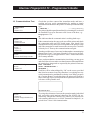
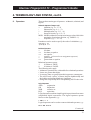
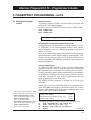
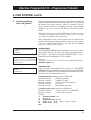
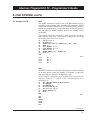
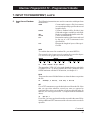
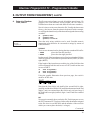
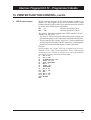
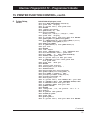
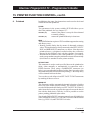
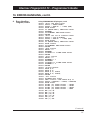
Yields e.g.:
Friday Jun/09/1998 08.00 am
Date:
Jun/09/1998
Time:
08.00 am
Weekday: Friday
Week No.: 23
Day No.: 159
Run time: 1 minutes
This is Friday. Go to work!
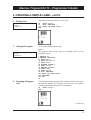
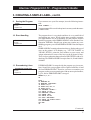
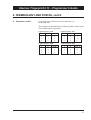
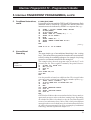
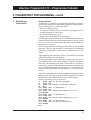
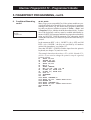
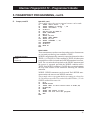
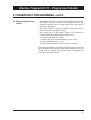
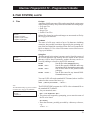
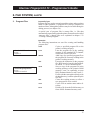
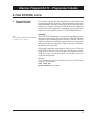
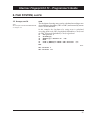
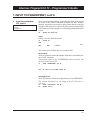
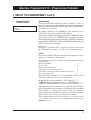
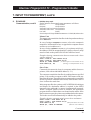
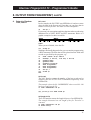
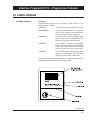
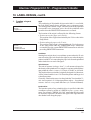
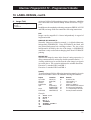
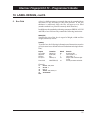
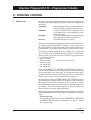
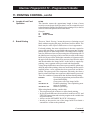
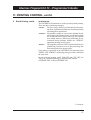
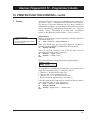
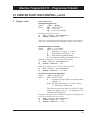
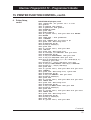
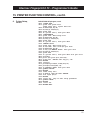
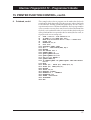
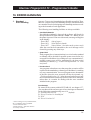
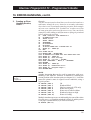
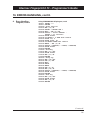
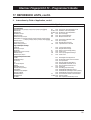
This example shows how the TICKS function is used to delay the
execution for a specified period of time:
10
20
30
40
1000
1010
1020
RUN
INPUT "Enter delay in sec's: ", A%
B%=TICKS+(A%*100)
GOSUB 1000
END
SOUND 440,50
(Start signal)
IF B%<=TICKS THEN SOUND 880,100 ELSE GOTO 1010
RETURN
100